

The filtering panels available from the Edit Model Object List panel provide a powerful tool for selecting, omitting, and testing various criteria for objects in your model.
Note: The displayed model object list will be changed based on the filter unless you specify an output model object list. If you do not specify an output list, model object list entries not selected by the filter are by default deleted from the displayed list.
To apply the filtering tools to the current model object list, press F14. The Filter Model Object List panel displays. Press F10 to display the additional parameters.
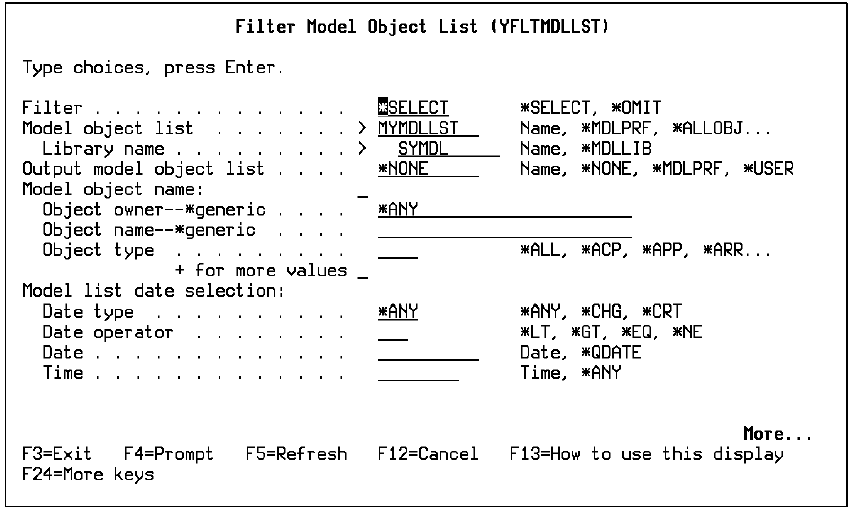
This is the first of three screens of filtering options. You can also change the input model object list and specify an output model object list on this screen. Scroll down for additional filtering options.
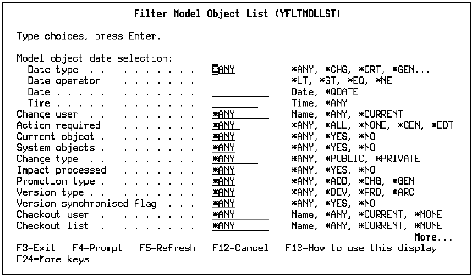
The following panel displays:
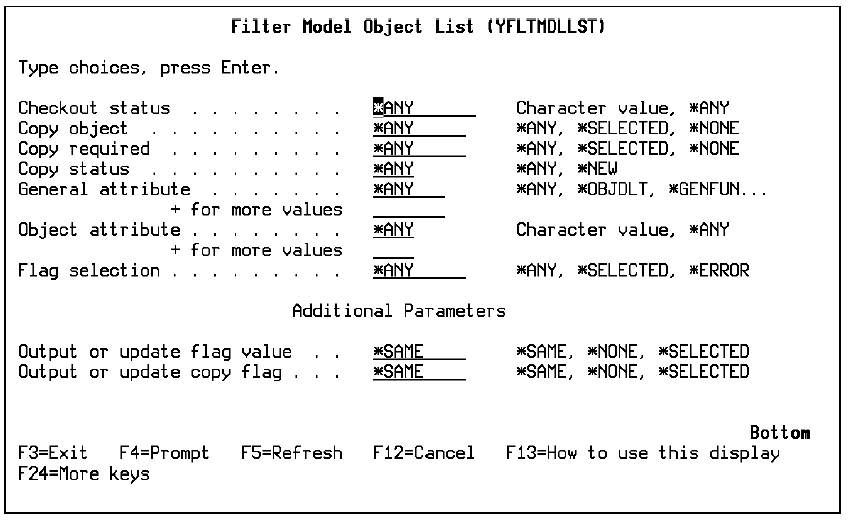
Scroll down to the third filtering screen:
For more information:
|
Copyright © 2014 CA.
All rights reserved.
|
|