

You can position the model list displayed to a specific object type, owner name, object name, or implementation name. Press F7 from the Edit Model Object List panel to display the positioner window.
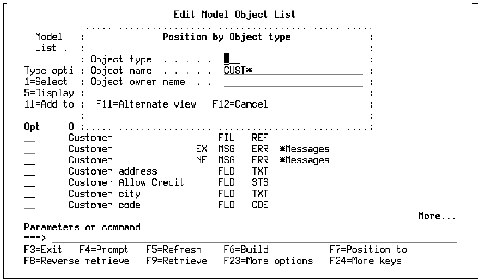
Use the F11 key to toggle among the four positioning options. To position the model object list, enter values in the appropriate positioner window and press Enter. Note that you can specify partial names for all options except the Type option.
|
Copyright © 2014 CA.
All rights reserved.
|
|