

You can use the Edit Model Object List panel to operate on both named model object lists and the All Objects list (*ALLOBJ); however, some functions can be used only for named model object lists.
You can access the Edit Model Object List panel in the following ways:
The following is an example of the Edit Model Object List display for the All Objects list:
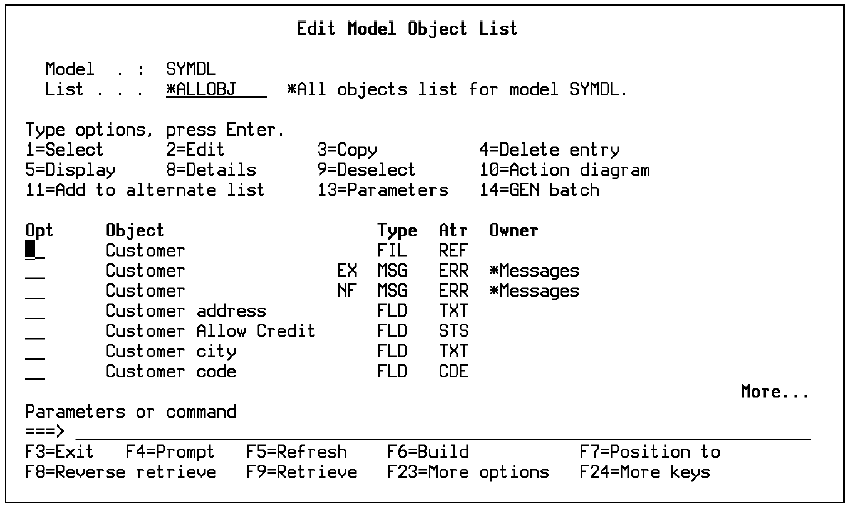
For more information on the Edit Model Object List panel, see the Working with Model Object Lists section in this chapter.
Many of the subfile select options and function keys shown on this panel are also available on the following interactive panels:
|
Copyright © 2014 CA.
All rights reserved.
|
|