

The Work with Model Lists interactive panel lets you manage the model object lists in your model. It also provides access to the model object list editing utility (Edit Model Object List panel).
You access the Work with Model Lists panel in either of the following ways:
The following panel displays:
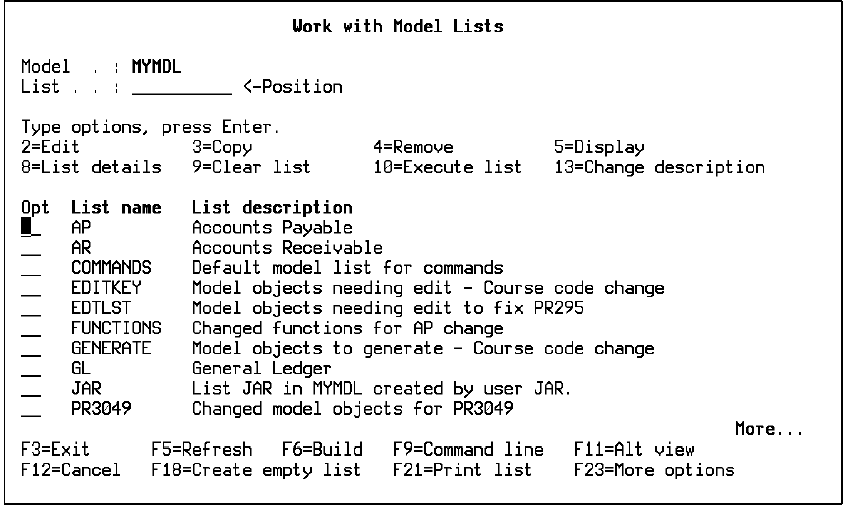
The Work with Model Lists panel displays all the model object lists currently defined in your model library. Press F11 to display the date the list was created and the time and date it was last changed.
From the Work with Model Lists panel, for any model object list shown, you can:
|
Copyright © 2014 CA.
All rights reserved.
|
|