

This example demonstrates the Display Model Usage utility and the use of the Scope specification. The concepts shown also apply to references.
Note: Although this is not the recommended method to work with usages interactively, it is included in this example to explain the converted list displayed on the first panel. Starting at step 2, this example shows both methods of working with usages.
If you choose to display usages, begins by displaying the contents of the list you specified, updated to reflect the current state of each model object from *ALLOBJ. This is indicated by *ENTRY in the Reason column for each model object. The name of the originating model object list is shown in the Converted List field in the upper-left of the screen. Note that the original list is not changed by this process.
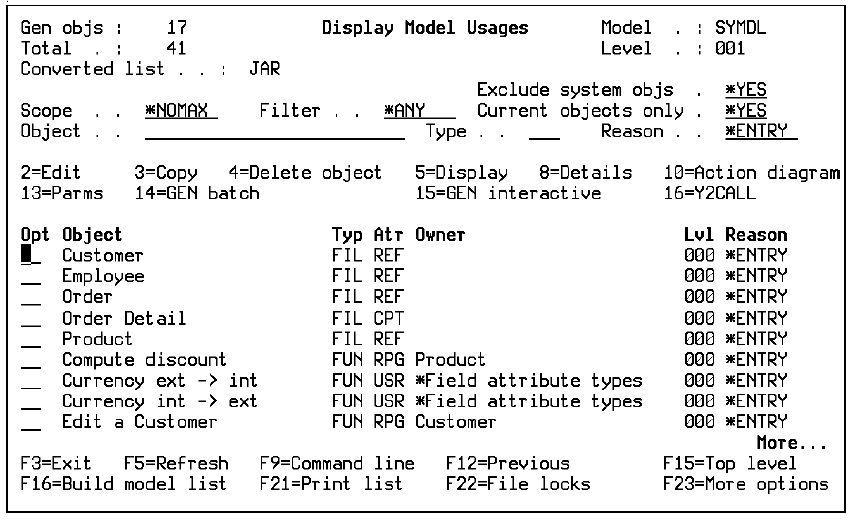
The converted list of model objects displayed differs from the contents of the original model object list in the following ways:
Note: Your model object list is not changed by this operation.
You can now use the selection options on any of the model objects displayed. To see additional options, press F23.
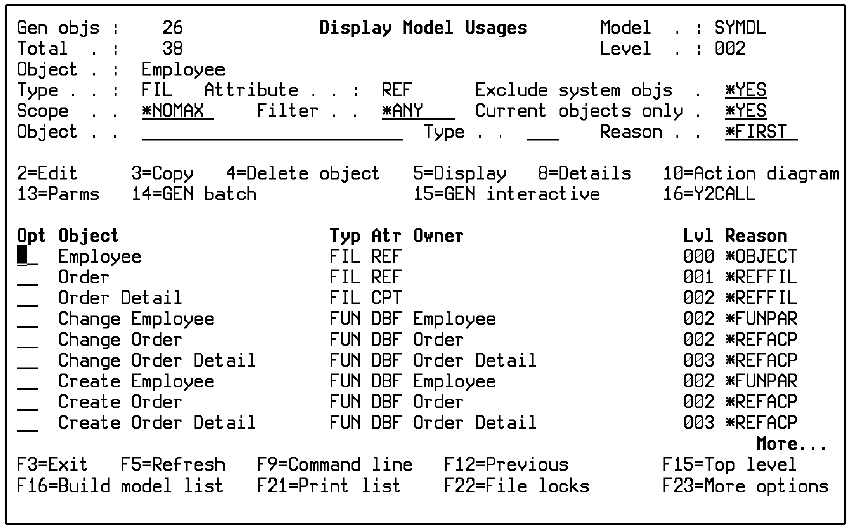
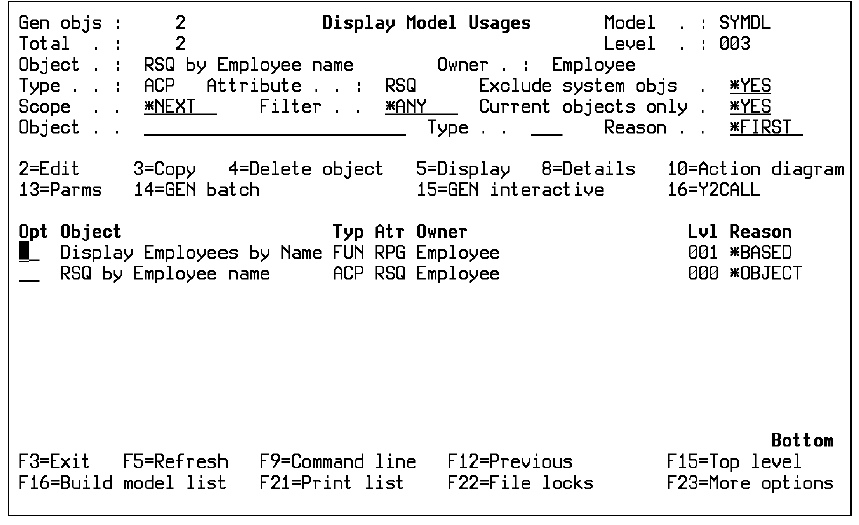
Note the values displayed in the Lvl and Reason columns for each object and how they relate to the diagram that follows. Lvl 000 indicates the object whose usages are shown. This object is used by the Lvl 001 objects, which in turn are used by the Lvl 002 objects. The Lvl 000 object is included so you can edit the originating object as well as the using objects.
Press F15 to return to the Level 001 panel. Change the Scope option to *NEXT and press Enter. Next, enter 91 for Employee and press Enter.
The following panel displays.
Note: From here on the process shown in this example is the same for both methods of working interactively with usages; namely, whether you pressed F20 or typed selection option 91 against a model object.
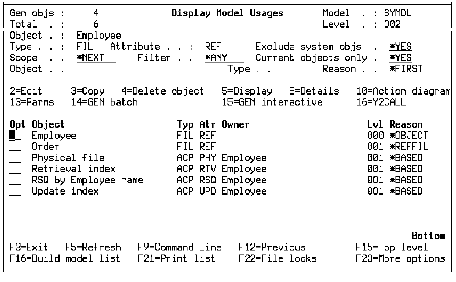
This panel shows only the Lvl 001 model objects that use the Employee file.
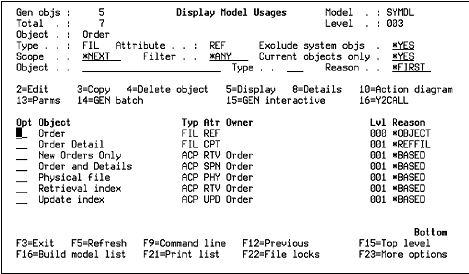
|
Copyright © 2014 CA.
All rights reserved.
|
|