

CA 2E generates source code to call a select facility for any status fields that appear as input-capable fields on a function device design. If you prompt a status field that requires data input, the select facility displays the allowed external values.
CA 2E provides the Display Values List panel.
For example, to display a list of values for the Credit Status field, press F4 while positioning your cursor on the Credit Status field on the device file of a CA 2E generated program.
You will see the following panel:
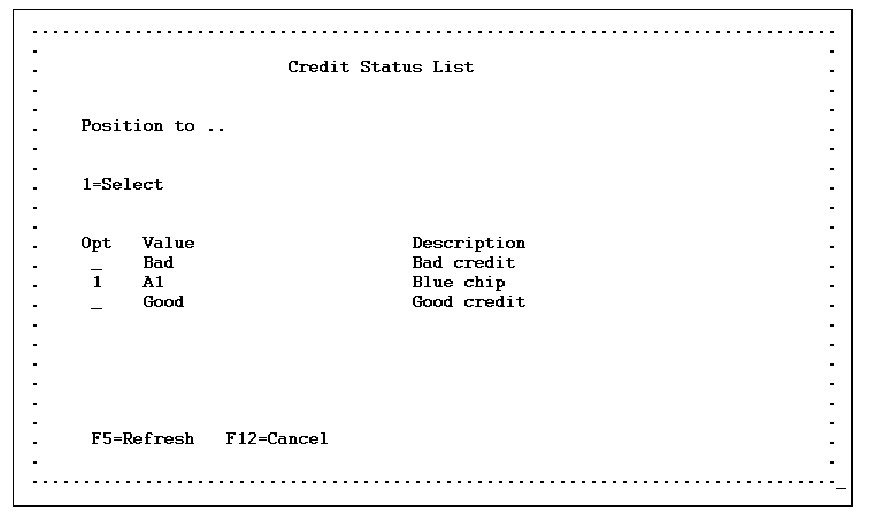
Place 1 to select a value.
You can create the values list file from a CA 2E model using the Convert Condition Values (YCVTCNDVAL) command.
For more information on using the YCVTCNDVAL command see the CA 2E Command Reference Guide.
|
Copyright © 2014 CA.
All rights reserved.
|
|