

Using Your Model › Using Online Help › Product Map
Product Map
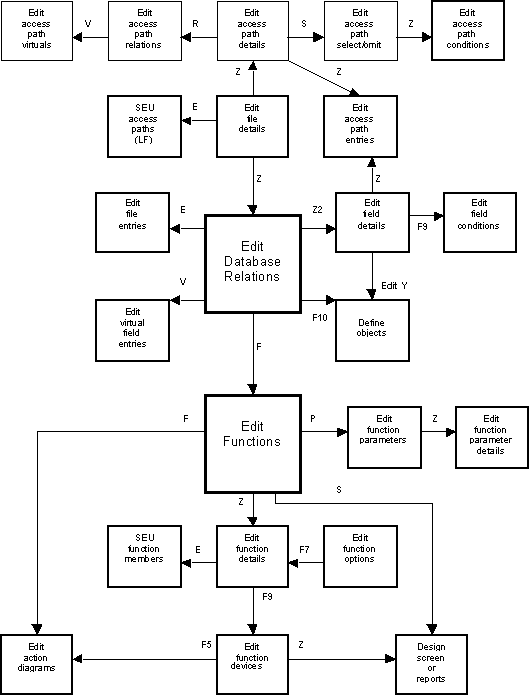
The product map helps you navigate through CA 2E. This feature shows where you are in relation to other functions in the product. You display the product map using function keys:
- To display the product map, press F14. The product map shows an outline map of the functions in the CA 2E program you are using. The map displays the functions you can invoke from the top level display. The function you are currently using is blinking. The functions you passed through are in high intensity.
- To display a detail map, press F12. Use this function key to toggle between the product map and the detail map.
- To return to the program, press F3.
Copyright © 2014 CA.
All rights reserved.
|
|