

You can access the default device design for a function directly from the Edit Functions panel. Compare this to the way you accessed the device design for the Edit Horse function in the tutorial topic you just completed. In that case you typed Z to display the Edit Function Details panel and then pressed F9 to access the device design.
Select the Select Horse function by typing an S in the ? column (Subfile selector).
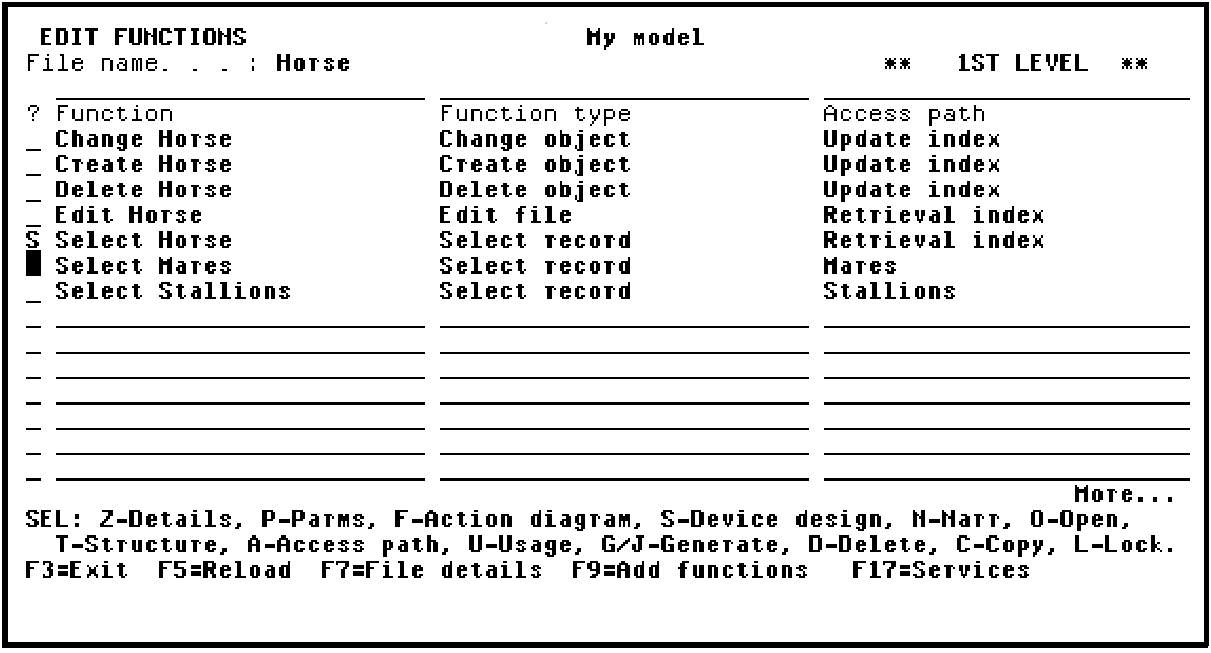
Press Enter to display the default device design.
|
Copyright © 2014 CA Technologies.
All rights reserved.
|
|