If additional information about a parameter is required, enter a number enclosed in brackets against the parameter, and explain it at the bottom of the diagram.
Use ‘>’ before a parameter value to indicate that it is the default value.
Use ‘-|’ and ‘|-’ to indicate a fork in a syntax base or branch line.
Use ‘——’ to indicate the termination of the syntax base line (for example, no ‘*’ or ‘’), and continue the line to the edge of the diagram:
For qualified object names, place ‘/’ after an element name to indicate qualification.
Place a box containing a ‘P’, after the last permitted positional parameter:
Place a box containing a ‘K’, after the last permitted keyword parameter.
Draw a line across the diagram to indicate the last required parameter. Place the word ‘Required’ above this line on the right-hand side. Place ‘Optional’ below this line. If all parameters are optional, place ‘Optional’ in the top left hand corner of the box.
To indicate variables, use lower case and connect compound nouns with hyphens, for example, ‘library-list-name’. Values should be of a data type, rather than a specific name, for example ‘date’ rather than ‘order- date’.
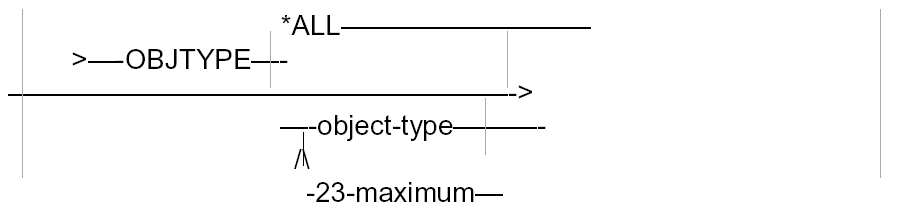
For parameters that have a choice of values, place each value on a different branch line. If more than one value can be specified, indicate this with an arrow below, and state the maximum number of allowed values. For example:
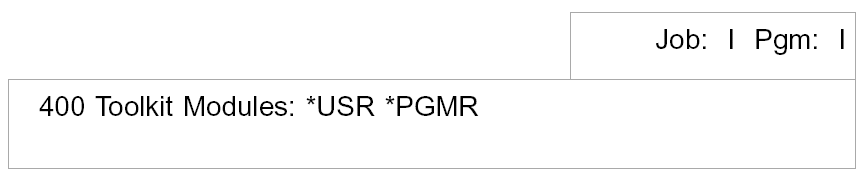
State the environments in which the command may be used (interactive or batch) in a box at the bottom right-hand corner of the command diagram. List the modules of the product for which the command is applicable, underneath the command diagram. For example: