

Having entered relations to define your data model, you must now add more detailed information about the fields. This includes defining simple validation rules and specifying any required overrides to the defaults assigned for field properties such as field length.
Field conditions define both the values that a field may take and the meaning that the values represent.
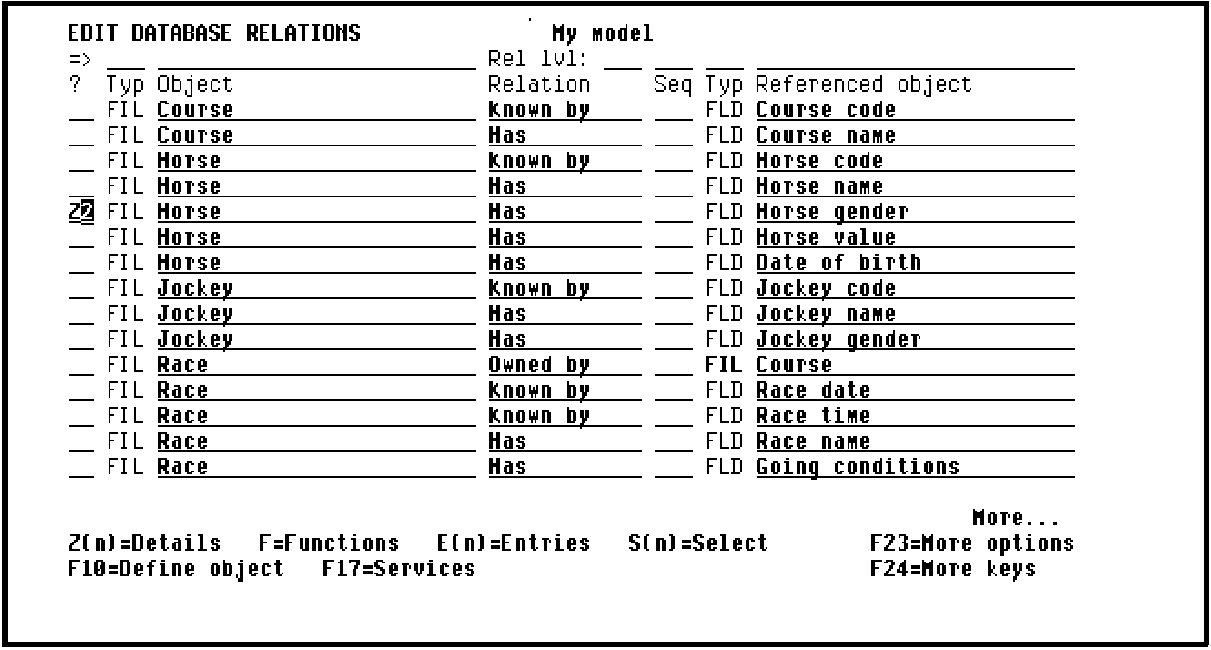
For example, the Horse gender field of the HORSE file will be used to illustrate conditions. Enter Z2 against the HORSE Has Horse gender relation as shown in the following example:
|
Copyright © 2014 CA.
All rights reserved.
|
|