

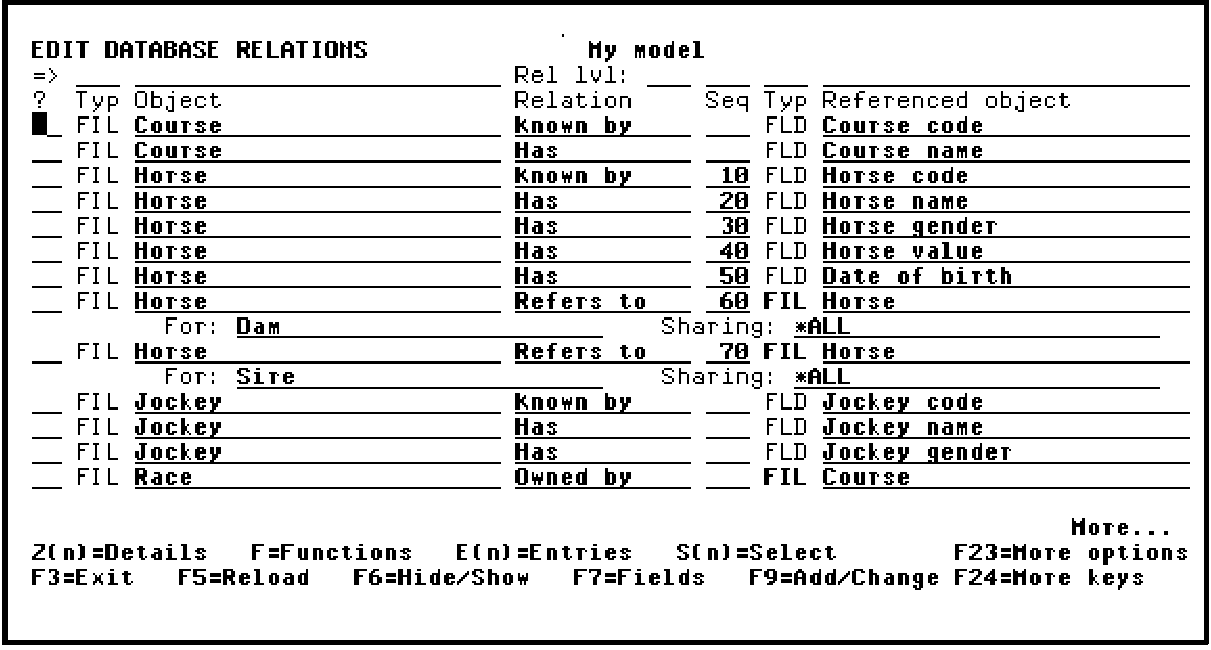
From the Edit Database Relations panel press F17 to go to the Display Services Menu. A sample menu is shown next:
Select the Display all access paths option as shown in the following example:
DISPLAY SERVICES MENU My model
Generation 1. Submit model create request (YSBMMDLCRT)
2. convert model data menu
3. Job list menu
Documentation 6. Documentation menu
7. Convert model panel designs (YCVTMDLPNL)
Model 8. Display all access paths
9. Display all functions
10. Display model values (YDSPMDLVAL)
11. Edit model profile (YEDTMDLPRF)
12. Work with model lists (YWRKMDLLST)
13. Edit model list (YEDTMDLLST *SESSION)
14. Impact analysis menu
Change Control 21. Go to Management Option (CM) menu
Option: 8 (press F4 to prompt commands)
F3=Exit F6=Messages F8=Submitted jobs F9=Command line F10=Display job log
Press Enter.
Note: The Display All Access Paths panel also lets you perform many design, control, and generation tasks for one or more access paths.
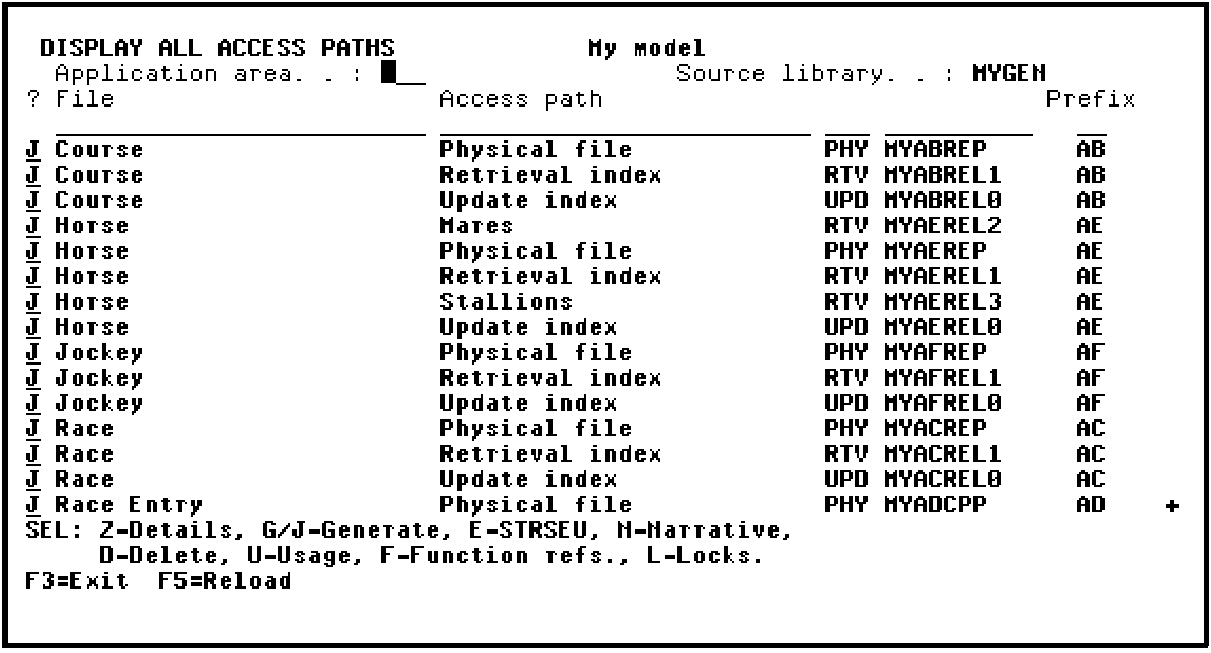
Select all of the existing access path designs for batch generation and compilation by typing a J in the Subfile selector next to each access path in the list as shown in the following example:
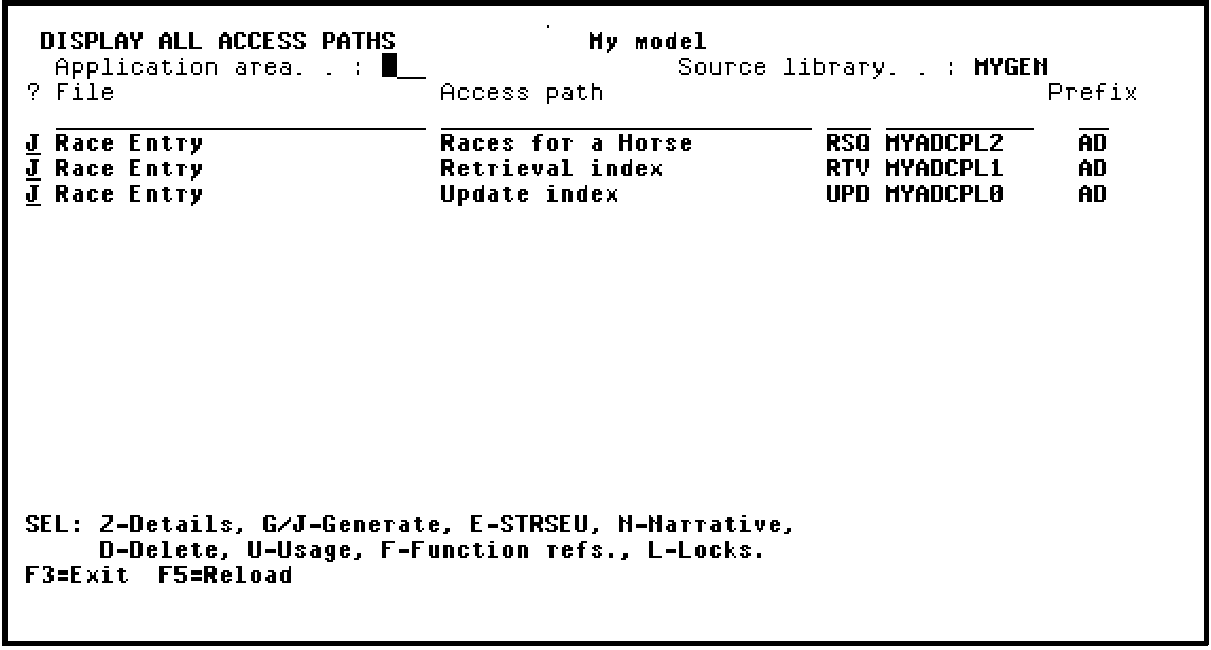
Press Roll Up to display the next screen of access paths so you can select all remaining access paths with a J as shown in the following example:
Press Enter.
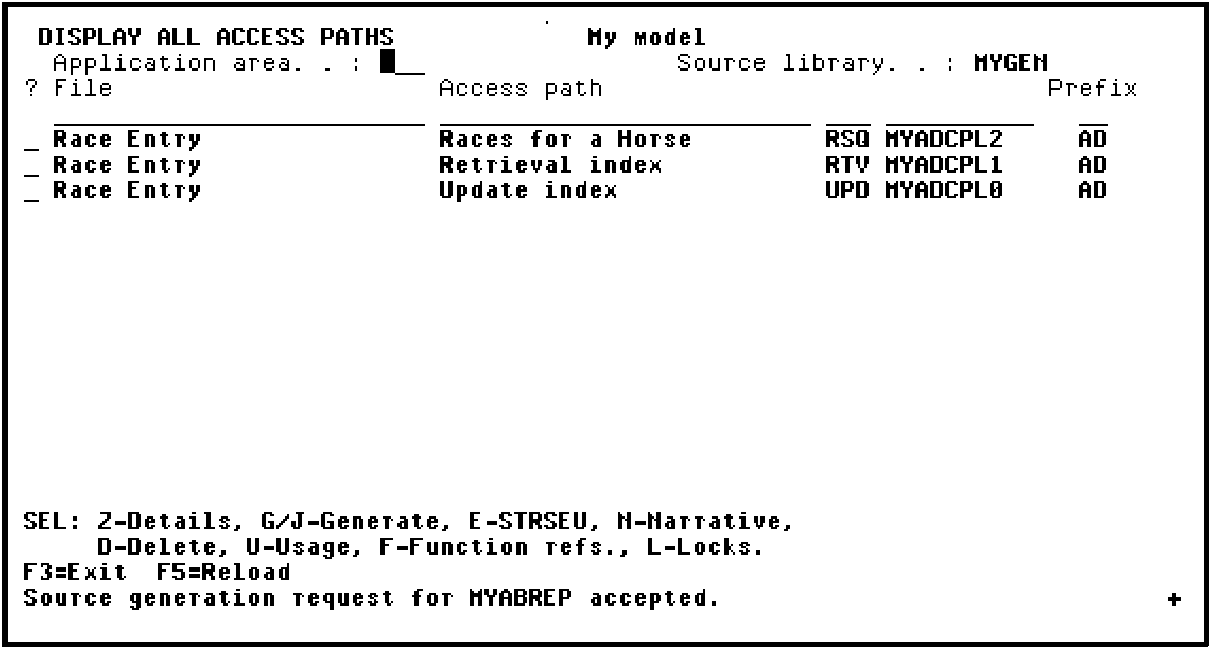
When the process is complete, the Display All Access Paths panel will be redisplayed with messages at the bottom of the panel. The messages will state that the source generation requests have been accepted. A panel with messages is shown next:
Press F3 to return to the Display Services Menu.
Limitations:
When you to take the G / J option to generate the access paths from the Display All Access Paths panel or take the G / J option to generate the access paths from the Edit File Details panel or take option 14 / 15 from the Edit Model Object List panel against a *DDL-based access path and the access path has either of the four DDL limitations, the generation is prevented. The access path source is not generated and no entry is added to the job list.
Workaround for Virtual Fields, SPN, and QRY Access Paths: If the earlier generation mode is *DDS, revert to it and regenerate the access path. You need not regenerate the functions that use this access path. If you want to have an SQL type database, regenerate the access path using *SQL generation mode. The functions using this access path must be regenerated.
Workaround for Multi-Member Files: If you want to have more than one member for the access paths, revert to *DDS generation mode.
Note: If you want to change an access path, which is previously defined as *DDS with a MAXMBR compiler override, to *DDL, you must revert to *DDS generation mode and must remove the compiler override, and then change back to *DDL generation mode.
|
Copyright © 2014 CA.
All rights reserved.
|
|