

|
|
|
This example shows how to attach device user source to a field, which is then inherited by all device entries derived from this field.
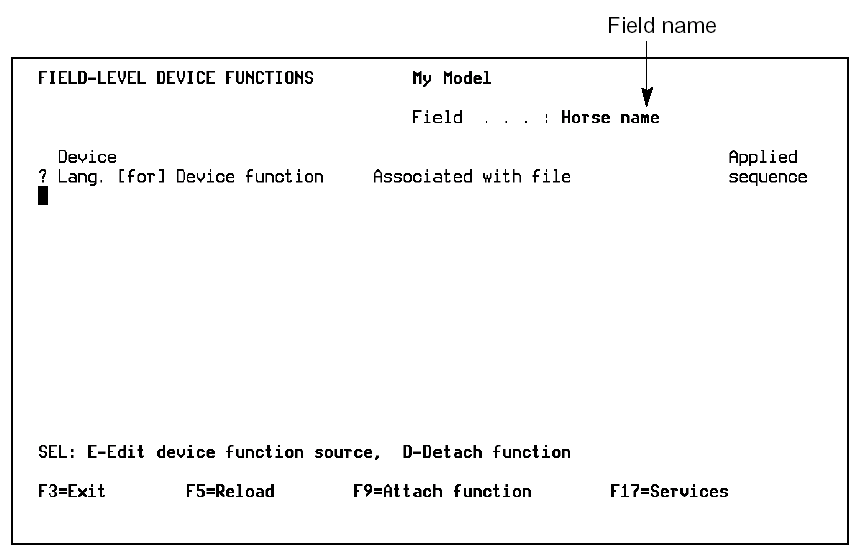
Press F11 to display the Field-Level Device Functions panel. Use this panel to attach device user source to a field.
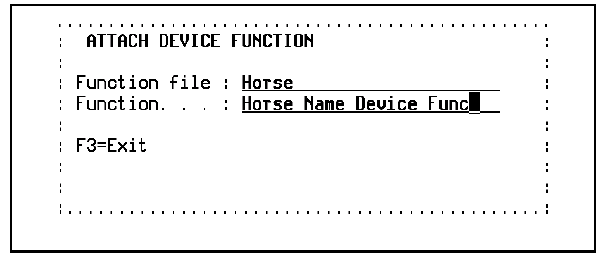
Press F9 to display the Attach Device Function window. Specify the device user function just created for the Horse name field and press Enter.
The Field-level Device Functions panel redisplays showing the attached device user function.
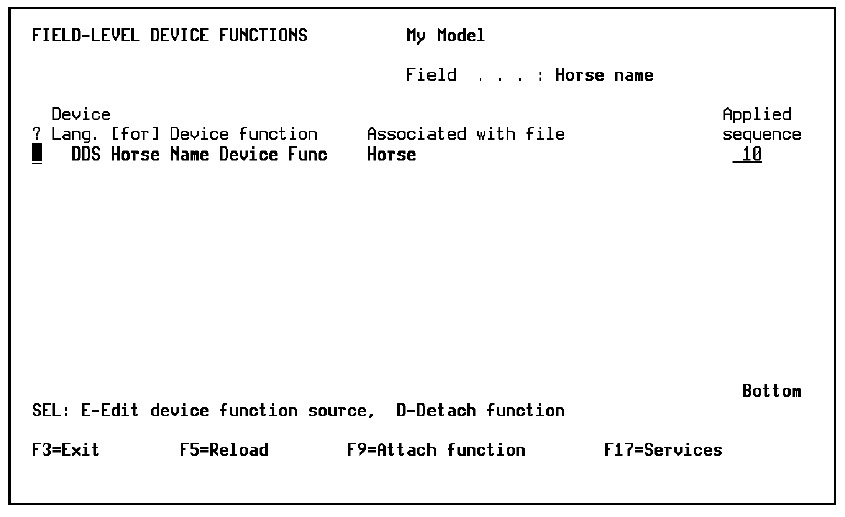
The sequence numbers specify the order in which the device user source is applied to the field. Field-level sequence numbers are:
Note: If a device user function is already attached at the entry level when you attach the same function at the field level, the field-level attachment for that entry is effectively ignored.
| Copyright © 2011 CA. All rights reserved. | Tell Technical Publications how we can improve this information |