

|
|
|
You will want to accumulate the results of calculations upwards through each level break. You can use function fields to do this.
Function field types include four standard types that provide predefined functions to carry out calculations between two adjacent levels of a report. The predefined types are:
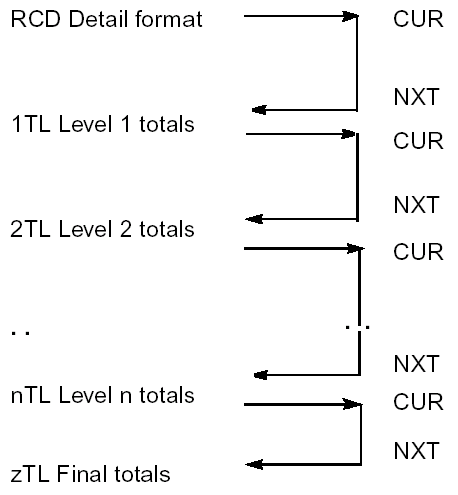
You can specify that the input to a calculation (for example, an accumulation) is the respective field from the previous level. You do this by means of the CUR and NXT contexts. If the function field definition is based on the field, CA 2E defaults the context automatically.
For more information on CUR and NXT contexts, see Understanding Contexts in the chapter "Modifying Action Diagrams."
The following example shows the use of CUR and NXT contexts in Reports.
| Copyright © 2011 CA. All rights reserved. | Tell Technical Publications how we can improve this information |