|
|
|
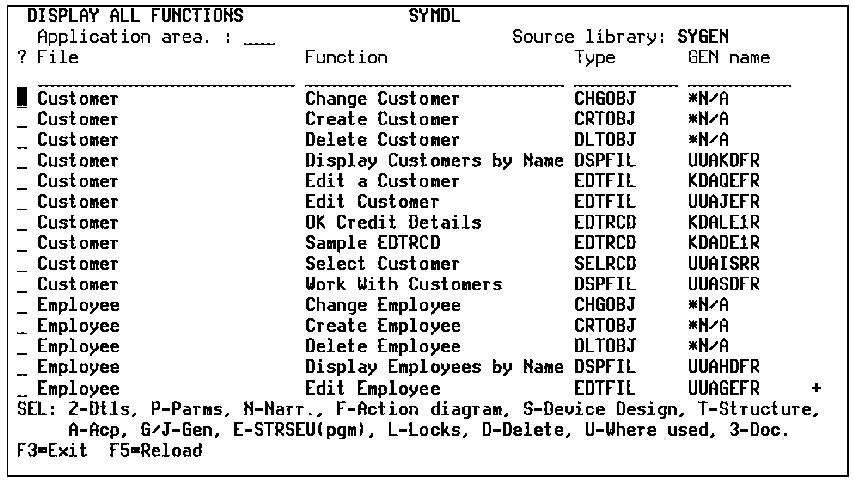
You access the list by pressing F17 to get to the Services Menu from which you select the Display All Functions option. You can use the positioner fields in the top portion of the display to scan for a particular file name, function name, function type, or implementation (or generation) name. You can further filter the functions on display by specifying one application area. Also, you can use any of the various command line options and function keys to
The following is an example of the Display All Functions panel.
| Copyright © 2011 CA. All rights reserved. | Tell Technical Publications how we can improve this information |