

|
|
|
The CA 2E shipped files contain all of the default shipped data such as built-in functions, arrays, field types, job data, messages, program data, standard headers and footers, and template functions. The shipped files hold information that you use or reference in the application during the function building process.
For example, you can change the default values for fields such as return codes or confirm prompts or you can change the default functions for headers and footers.
To access the shipped files and fields
The list of shipped files appears.
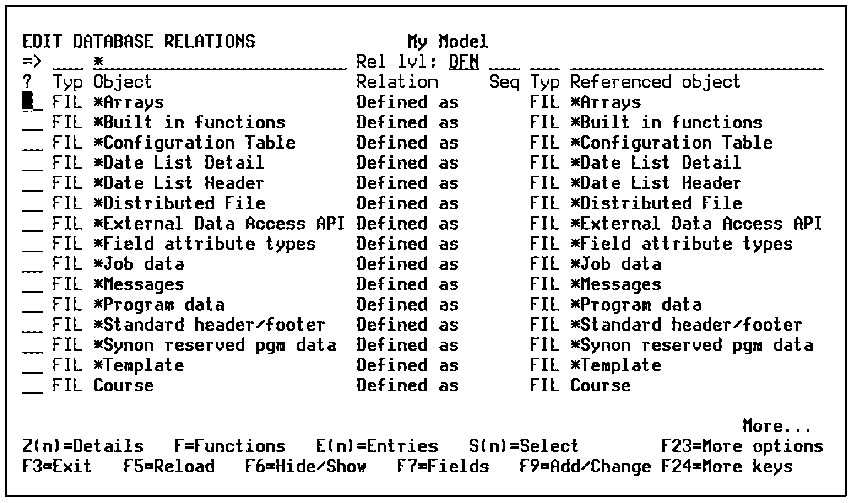
For example by typing *St and leaving the Rel level field blank the list starts from the *Standard header/footer shipped file’s relations.
| Copyright © 2011 CA. All rights reserved. | Tell Technical Publications how we can improve this information |