

|
|
|
You can select the action diagram statements from a User Point or from the Notepad.
From a User Point
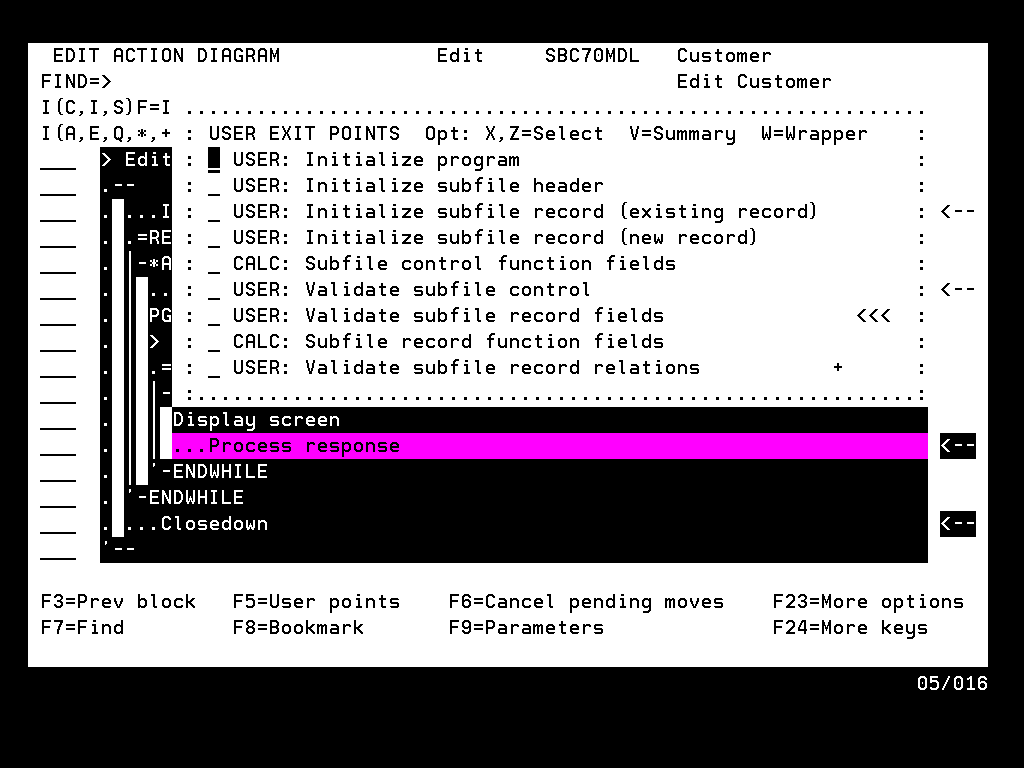
|
|
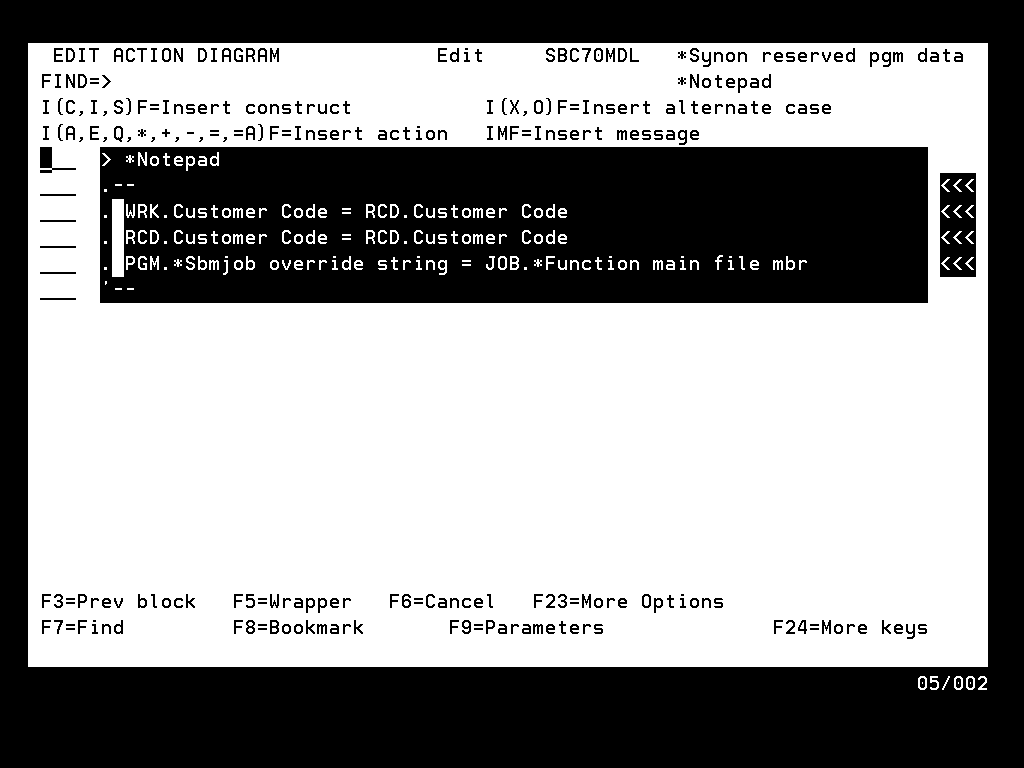
From the Notepad In some cases, it may not be desirable or necessary to use a wrapper on an entire User Point. The User Point may contain statements that you do not want in the new function. Or perhaps the final function needs additional statements that are not required in the original function. |
You can edit User Point action diagram statements, place the whole User Point in a wrapper, and then exit the function without saving to preserve the original User Point. An easier and more flexible approach, however, is using the Action Diagram Editor Notepad.
Note: Because EXCEXTFUN and EXCINTFUN have no User Points, use Notepad to place statements from these types of functions in a wrapper.
Use the Notepad commands N, NA, NAA, NI, NR, and NRR to put the required statements into the Notepad.
| Copyright © 2011 CA. All rights reserved. | Tell Technical Publications how we can improve this information |