

|
|
|
The Edit Record (2 panels) (EDTRCD2) function is identical to the Edit Record function except that it allows the record details to extend to two separate display panels. You can use the scroll keys to move between the pages of detail. This function type is suitable for files containing many fields.
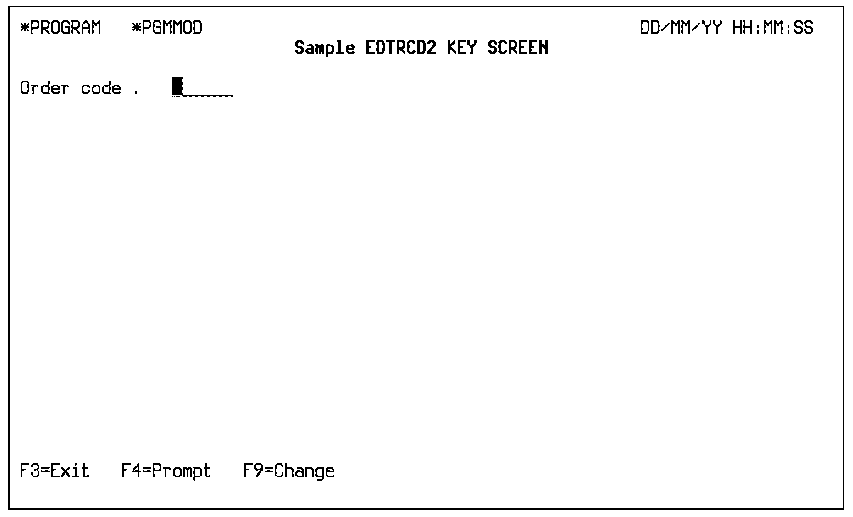
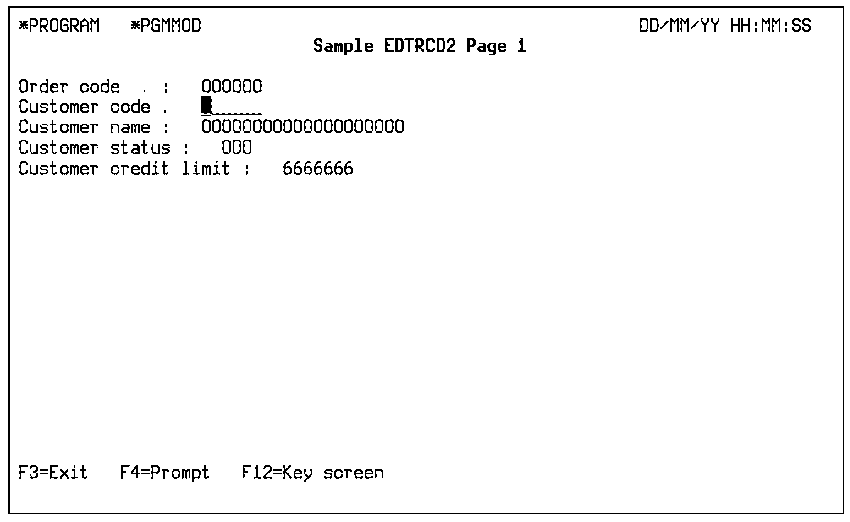
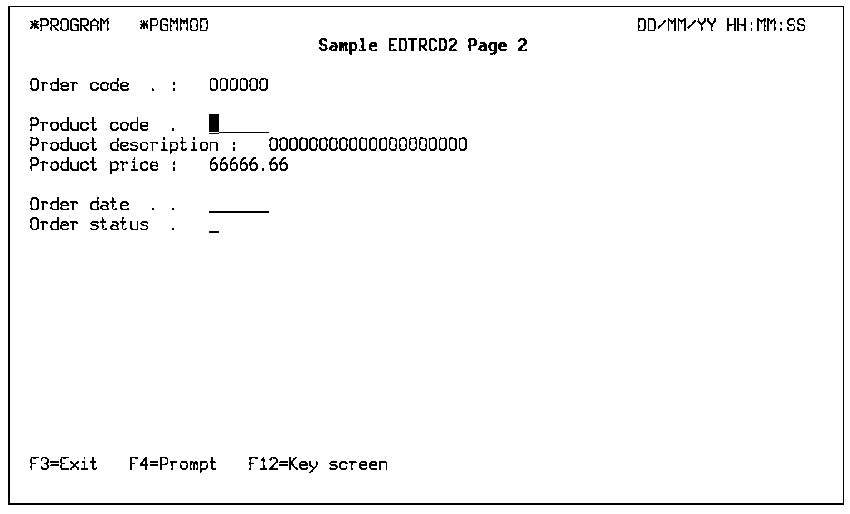
The EDTRCD2 function executes in either *ADD or *CHANGE mode. There are three display panels for this function type: a key panel that prompts for the key values, and two detail panels that display, by default, all of the fields from the based-on access path. On any panel, you can hide fields that you do not want to appear. In addition, the same field can appear on more than one detail panel.
All of the considerations that apply to the Edit Record function also apply to EDTRCD2.
The following is an example of a Key panel.
The following is an example of a Detail panel 1.
The following is an example of a Detail panel 2.
Note: For more information, see the Knowledge Base article The working and limitations of EDTRCD2, EDTRCD3, DSPRCD2 and DSPRCD3 function types.
| Copyright © 2011 CA. All rights reserved. | Tell Technical Publications how we can improve this information |