

|
|
|
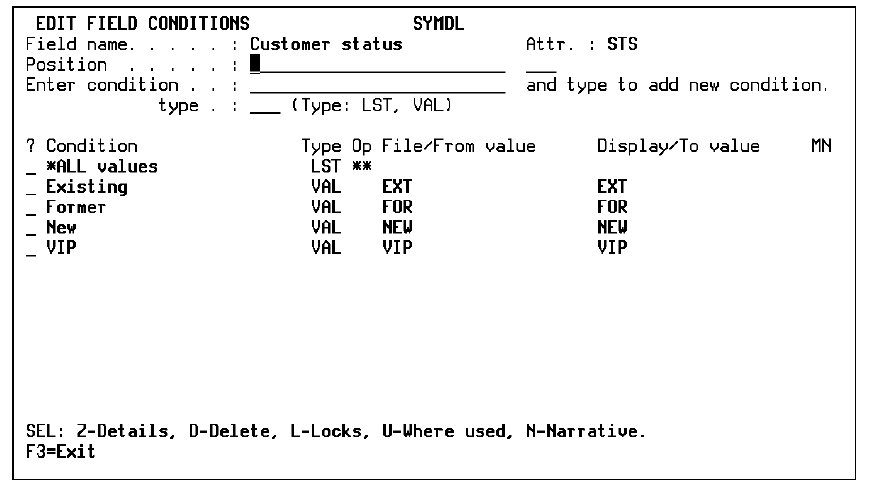
The Edit Field Conditions panel shows all the conditions that exist for a selected field. Use this panel to add or modify conditions.
The Edit Field Details panel displays.
The Edit Field Conditions panel displays the conditions for the selected field.
| Copyright © 2011 CA. All rights reserved. | Tell Technical Publications how we can improve this information |