

|
|
|
The Send Information Message (SNDINFMSG) function is used to send an information message to the message queue of the calling program. An information message informs or provides information concerning a particular task.
The SNDINFMSG function causes a message to be sent to the program message queue of the program that invokes the SNDINFMSG function.
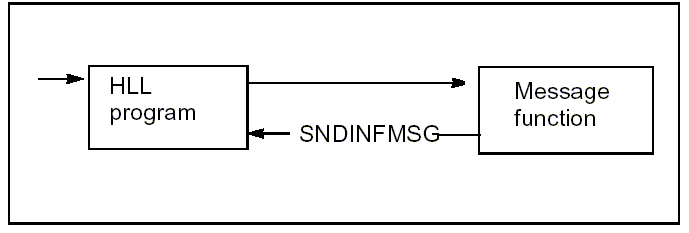
The SNDINFMSG function is attached to a CA 2E shipped file called *Messages.
Consider the following example. If you have a CA 2E device function that calculates a control total as part of the validation and the calculated total value differs from an entered total value, you may want to send an information message as a warning that the end user can choose to ignore.
To do this, you first define an information message in the normal way and modify the action diagram of the device function as follows:
>   USER: Validate totals
:—
: .CASE                                                                  <<<
: |  -CTL. Calculated total NE CTL. Entered total                        <<<
: |      Send  information message - 'Totals disagree'                   <<<
: 'ENDCASE
’—
| Copyright © 2011 CA. All rights reserved. | Tell Technical Publications how we can improve this information |