Deploying the CA Threat Management Agent › Discover Client Machines
Discover Client Machines
After you have installed the ITM Agent on your client machines, follow this procedure to discover the machines you will manage from the ITM Console.
- Click on Discovery, and then Organization Details.
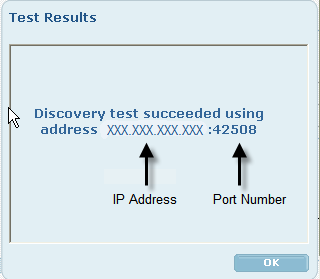
- If you do not see all the client machines already listed, enter the IP address of a target machine on the specific subnet you want to discover in the Subnet IP Address text box, and then click Test. This ensures that the ITM Server can establish a connection to a machine on that subnet.
- (Optional) If you want to change the discovery method used, click Discovery Configuration and choose a Discovery Election method. Note that the Specified Election typically works best and creates the least amount of network traffic.
- Click Discover Now to immediately start the discovery process, then click Apply.
- Repeat this procedure until all subnets are discovered.
Copyright © 2008 CA.
All rights reserved.