If you do not see all the client machines already listed, enter the IP address of a target machine on the specific subnet you want to discover in the Subnet IP Address text box, and then click Test.
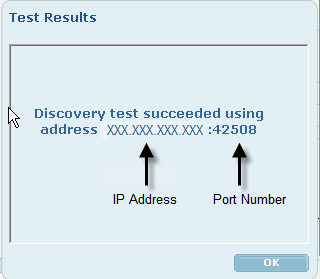
This ensures that the CA TM Server can establish a connection to a machine on that subnet.
Recommendation: Subnet discovery should occur daily. However, if the subnet contains mobile users that frequently connect to different subnets and therefore require updated local policies, then a more frequent discovery time should be considered. Choose the Election Method carefully so that the characteristics of the subnet suit the characteristics of the Election Method. Note that the Specified Election typically works best and creates the least amount of network traffic. For more information, see Discovery Election Methods.