

|
|
|
The Home page is displayed when you log in to CA XCOM Management Center successfully. You can also return to the Home page at any time after log in by clicking the Home tab.
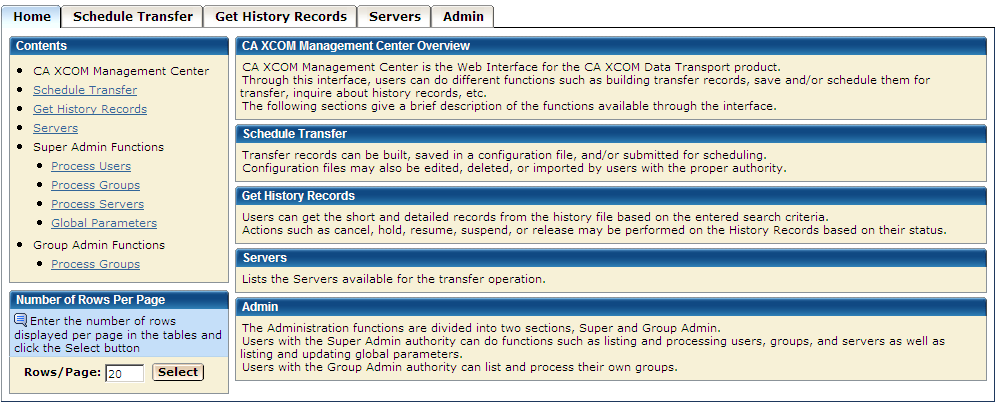
You can also go to the different tabs, and to the different functions of the Admin tab, by using the links on the left pane.
This editable field indicates the number of rows per page displayed for tabular data on each screen.
When you enter a value here and click Select, this value is saved as a cookie and then used for all tabular screens of CA XCOM Management Center.
Range: The entered value must be numeric and less than the MAXPAGEROWS attribute value specified in the Global Parameters file. Otherwise, a warning message is issued and the value is set to the maximum.
If no value is saved in the cookie, the field is set to the DEFAULTPAGEROWS value specified in the Global Parameters file.
| Copyright © 2011 CA. All rights reserved. | Tell Technical Publications how we can improve this information |