

|
|
|
You can use the Process Servers page to update the attributes of existing servers.
To update a server
The Home page appears.
The Admin page appears.
The Process Servers page appears.
The Update Servers page appears.
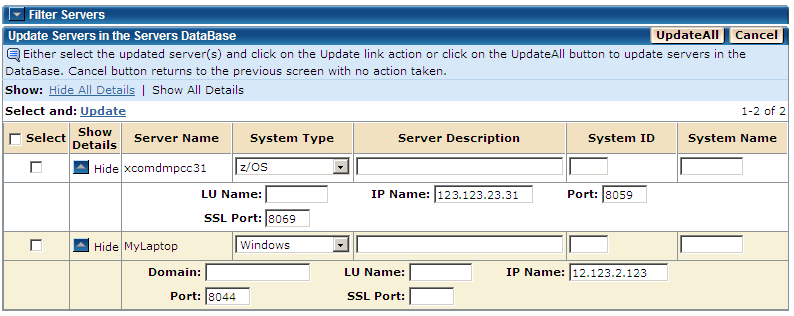
The servers are updated in the Servers database and a confirmation message is displayed.
Note: You can use the Hide/Show icon on the second column to hide/show the extra information for a row. You can also use the Hide All Details or Show All Details link to hide or show the details for all the rows respectively.
The Update Servers page also lets you use the following options:
| Copyright © 2011 CA. All rights reserved. | Tell Technical Publications how we can improve this information |