

|
|
|
Each user ID must be defined in the CA XCOM Gateway configuration and the specified credentials must be authenticated through CA Embedded Entitlements Manager (EEM). For user ID definition and configuration, see your CA XCOM Gateway administrator.
After users have been configured, they can log in to CA XCOM Gateway.
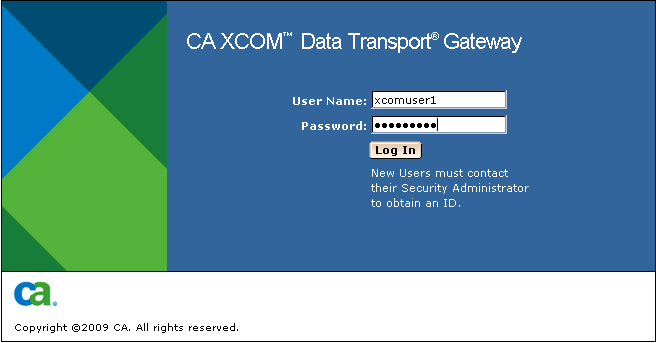
To log in to CA XCOM Gateway
Note: For more information about the website address, see Log In in the chapter "Configuring and Administering CA XCOM Gateway."
The CA XCOM Gateway login screen appears.
| Copyright © 2011 CA. All rights reserved. | Tell Technical Publications how we can improve this information |