

|
|
|
Before you uninstall the CA XCOM Interface Server, stop JBoss.
To uninstall the CA XCOM Interface Server
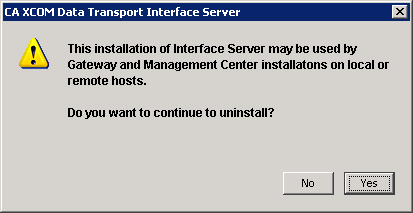
Important! If a CA XCOM Gateway or CA XCOM Management Center is configured to use the CA XCOM Interface Server on this computer, those products cannot operate if the CA XCOM Interface Server is uninstalled. Do not proceed unless you are confident that no instances of those products are using this CA XCOM Interface Server actively.
| Copyright © 2011 CA. All rights reserved. | Tell Technical Publications how we can improve this information |