

|
|
|
To let you test CA IT PAM integration right away and practice the configuration procedure with known values, CA provides a sample process for this purpose. It is on the DVD with the application. Use of this sample IT PAM process assumes you are using CA Service Desk as your help desk application.
You can then configure CA IT PAM in CA User Activity Reporting Module and test running this sample CA IT PAM process with query results you select. After you become familiar with how CA User Activity Reporting Module operates with CA IT PAM, you can ensure compliance of your own process and substitute those values in the CA IT PAM configuration for your production integration.
To import a sample process and test IT PAM integration

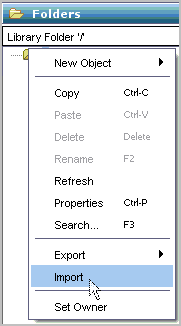
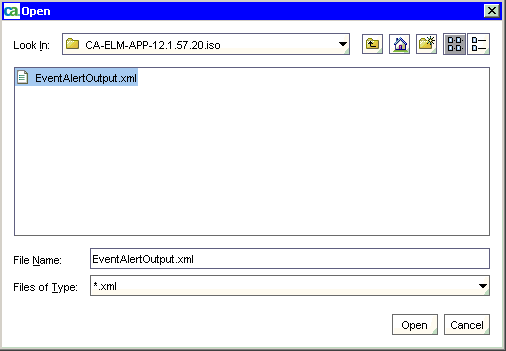
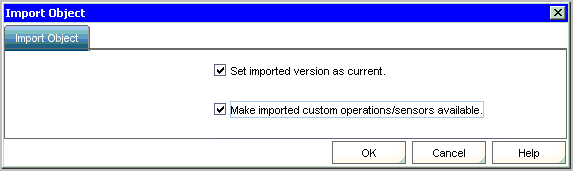
The resulting display shows the exact name and path. For example, the name is EventAlertOutput and the path is /CA_ELM/.

"http://<server name>:8080/axis/services/USD_R11_WebService"
| Copyright © 2011 CA. All rights reserved. | Tell Technical Publications how we can improve this information |