

|
|
|
You can identify the purpose of buttons, check boxes, and reports on the CA User Activity Reporting Module page in your current view.
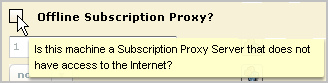
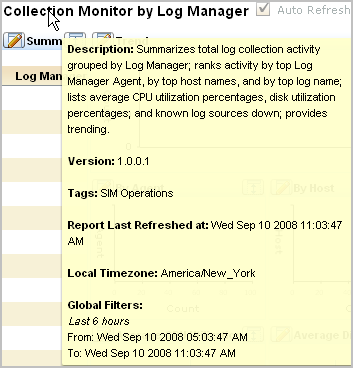
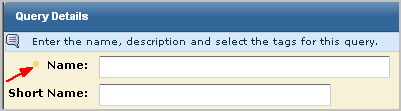
To display tooltips and other help
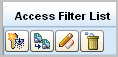
Enabled, active buttons are displayed in color. For example, Administrators of user and access management view the Access Filter List button in color.
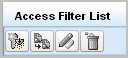
Disabled, inactive buttons are displayed in black and white. For example, Auditors view the Access Filter List buttons in black and white.
| Copyright © 2011 CA. All rights reserved. | Tell Technical Publications how we can improve this information |