Using the CA Tape Encryption GUI › How You Use the CA Vantage Windows Client GUI › Accessing CA Tape Encryption Objects from the Windows Client
Accessing CA Tape Encryption Objects from the Windows Client
All CA Tape Encryption objects are included in the Tape Resource Management folder that is visible when the z/OS Object Tree is opened.
To access CA Tape Encryption objects, perform the following steps:
- Open the Windows Client and connect to the z/OS host.
- In the toolbar at the top of the Main Window of the Windows Client, click the Object Tree icon
 to open the z/OS Object Tree.
The z/OS Object Tree opens, as shown in the following example:
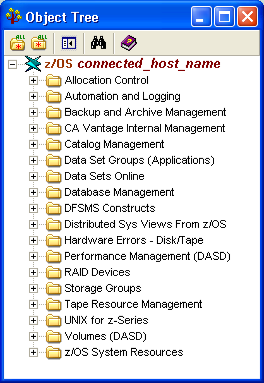
- Expand the Tape Resource Management folder.
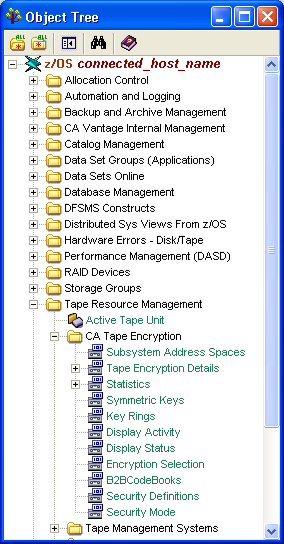
- Double click the CA Tape Encryption folder to expand the tree with the CA Tape Encryption objects. The following is an example of the object tree displaying the CA Tape Encryption objects: