iRecorder Reference Guide for eTrust SiteMinder › How to Install and Configure the iRecorder › Installation Materials › Install the iRecorder from the Media
Install the iRecorder from the Media
To install the iRecorder for eTrust SiteMinder, follow these steps:
- Click Start, Run and enter the following command:
<media-Drive>\win32\nete-ps-irec-6.0-sp4-win32.exe
- media-Drive
-
Specifies your media drive letter designation.
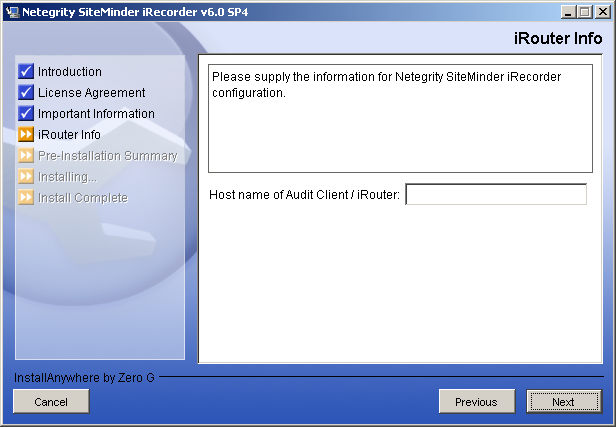
- On the iRouter Info dialog, enter the hostname where the iRouter is installed. If the iRouter is on the localhost, enter localhost.
- Continue with the installation, and click Done when the installation is completed.

