

|
|
|
A standard user ID and password are used to access WebCenter.
To log on to WebCenter:
The WebCenter login page appears.
Notes:
Note: For more information, see the Installation Guide.
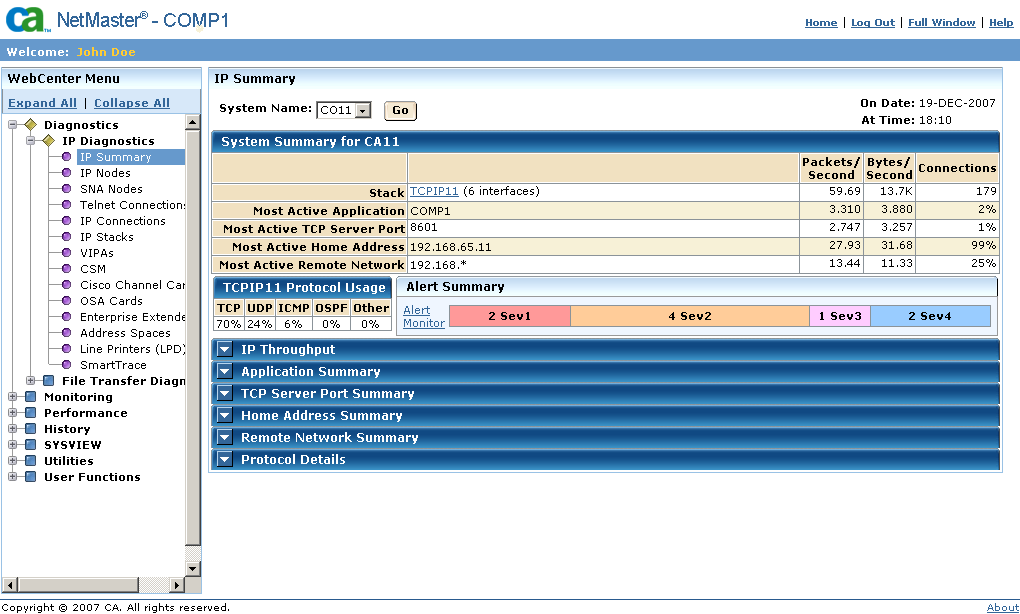
The initial WebCenter page appears, showing a menu on the left pane.
Note: If your Security Administrator has installed a digital certificate, a dialog appears. Click OK to accept the certificate and continue.
| Copyright © 2011 CA. All rights reserved. | Tell Technical Publications how we can improve this information |