

|
|
|
After you run the sample application, test single sign-on.
To test federated single sign-on
http://www.idp.demo:server_port/idpsample/index.jsp
http://www.sp.demo:server_port/spsample/index.jsp
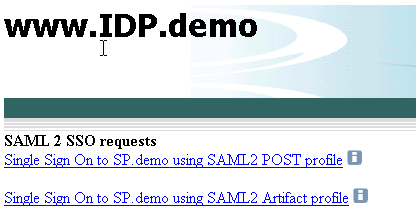
The following illustration is the IdP.demo home page:
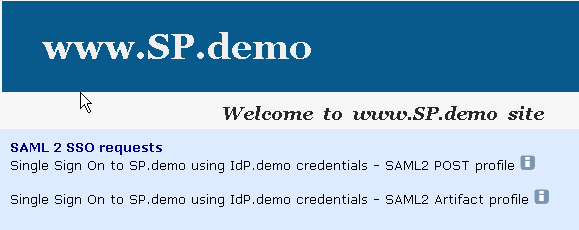
The following illustration is the SP.demo home page:
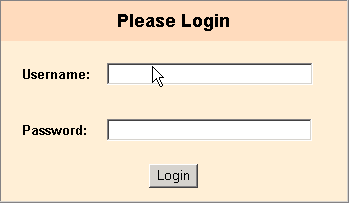
A login challenge like the following is presented:
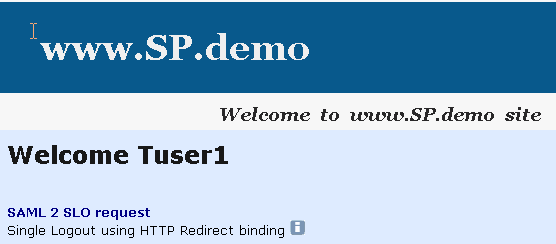
If single sign-on is successful, the following welcome page appears:
| Copyright © 2011 CA. All rights reserved. | Email CA Technologies about this topic |