

|
|
|
Use the web pages included with the sample application to test single logout. To have access to these pages, you must have run the sample application.
The web pages are located in the following two folders.
policy_server_home/samples/federation/content/idpsample
policy_server_home/samples/federation/content/spsample
Specifies the installed location of the SOA Security Manager Policy Server.
Important! If you have run the sample application, the idpsample and spsample folders are automatically copied into the document root directory of your web server.
If you have not run the sample application, use your own web pages. Verify that your HTML page for testing SP-initiated single sign-on includes a hard-coded link to the single logout service.
After you have successfully tested single sign-on, you can test single logout from the SP.demo welcome page.
To test single logout
On the SP Welcome page, click the link labeled Single Logout using HTTP Redirect binding.
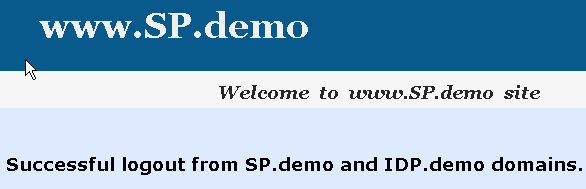
If single logout is successful, the following page appears:
| Copyright © 2011 CA. All rights reserved. | Email CA Technologies about this topic |