

|
|
|
When a configuration is opened, a three-panel window appears containing individual user data in the Users Panel, physical resources data in the Resources Panel and roles data; that is, the link between users and resources, in the Roles Panel.
The following is a typical Configuration window.
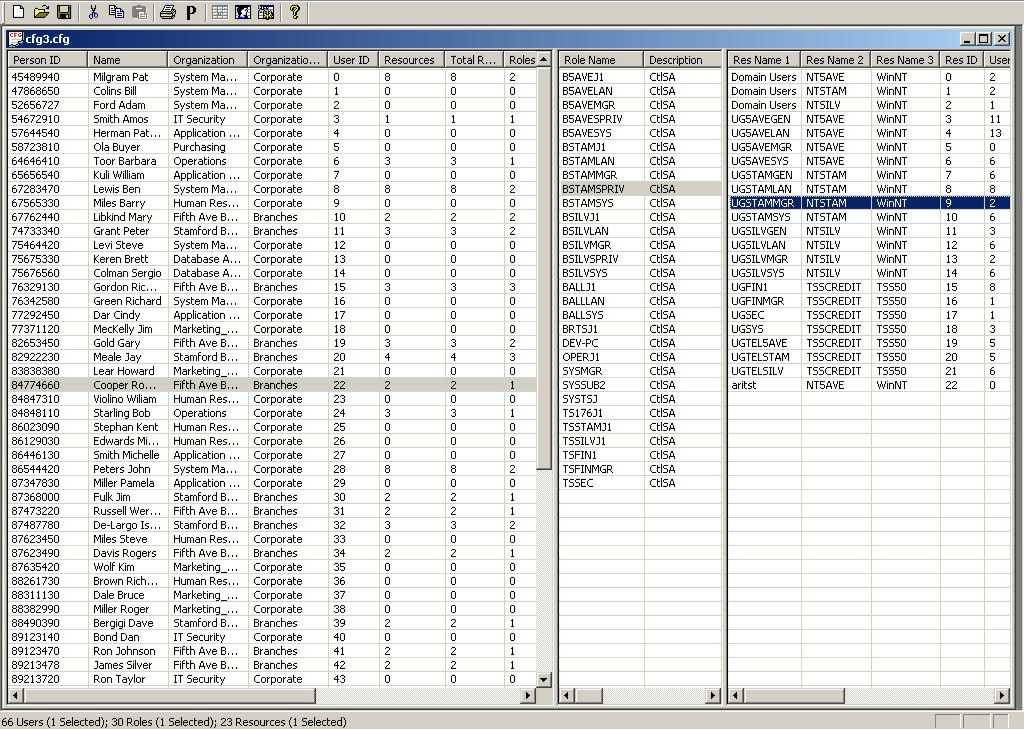
The data displayed in the User and Resources Panels are taken from the respective users and resources databases. The type of data (fields) displayed can be determined by the Role Engineer. Similarly, roles data in the Roles Panel can also be determined by the Role Engineer. Each panel enables scrolling horizontally to view attributes and counters, which are used in the role engineering and role audit process. Some attributes can be self-configured by the user. Each column can be used to sort the panel.
| Copyright © 2010 CA. All rights reserved. | Email CA Technologies about this topic |