

|
|
|
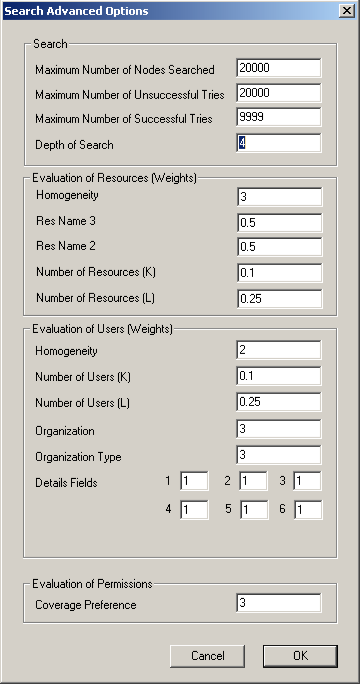
During the Discovery process DNA uses the values set in the Search Advanced Options window to fine tune the process. The option values are set by default and should not be modified.
To view the default search advanced options
The Discover and Audit Settings window opens.
The Search Advanced Options window opens and displays the default settings.
| Copyright © 2010 CA. All rights reserved. | Email CA Technologies about this topic |