

|
|
|
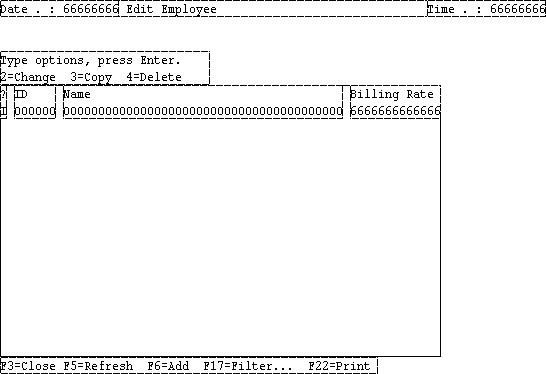
Because the 5250 screen can only display 80 characters horizontally in its low‑resolution mode, you cannot display all of Employee’s attributes on a single line. You could move a couple of the fields to a second area on the screen, but because users only need enough information to identify the employee they want to modify or delete, you change the display so that the Employee Email and Employee URL fields do not appear.
Because users typically use either the Employee ID or Employee Name to identify the individual, and may use the Employee Billing Rate to decide whom to assign to a task, you will leave these fields visible.
To change the panel that lists Employees:
Notice that the fields no longer appear on the panel in the Display Window.
The Design Window should look like this:
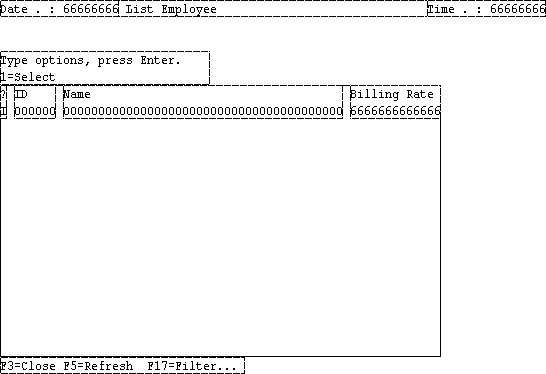
The Select Instance User Interface panel has the same problem as the main Employee panel. Open Employee.Select Instance User Interface.List Panel and hide the Employee Email and Employee URL fields, change its column labels, and move the fields next to each other, as you did in the preceding steps.
When you are done, the Design Window should look like this:
| Copyright © 2012 CA. All rights reserved. | Tell Technical Publications how we can improve this information |