Defining Entities › Helpful Hints › Triples
Triples
You spend a lot of time working with triples when creating an application. Here are tips on how to select, delete, and change triples:
- To select a whole triple, click the center column of the Model Editor, where the verb is.
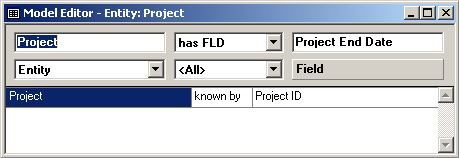
- To delete a triple, select the triple in the Model Editor and press the Delete key.

- To change a triple, select the triple in the Model Editor, change the value in the source object field, the verb list, or the target object field (or a combination of these), and click the Change Triple toolbar button.

