

|
|
|
You have now created a fully functional application. You can run this application to create, edit, and delete projects.
To run the Project.Edit function
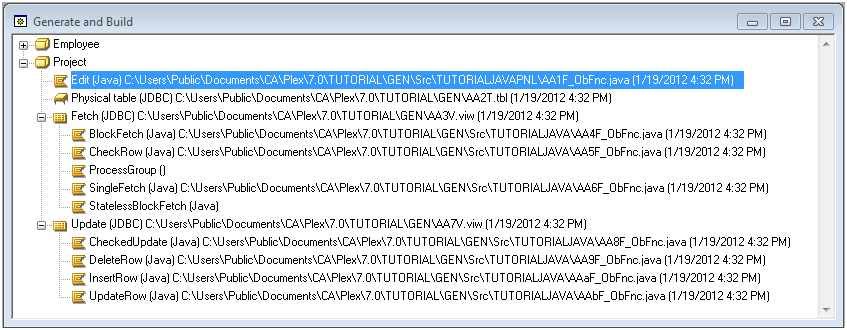
Your generated application starts. It should look like this:
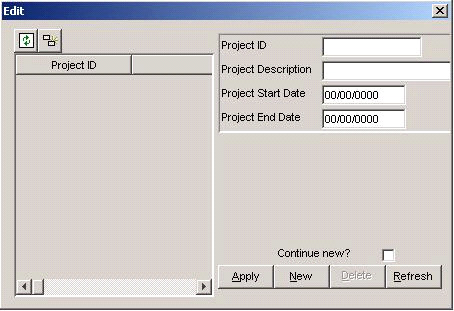
Leave this dialog open. The next steps show you how to add projects to your database.
| Copyright © 2012 CA. All rights reserved. | Tell Technical Publications how we can improve this information |