

|
|
|
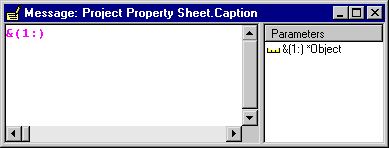
The last step in creating the property sheet is specifying a meaningful caption for the title bar (you inherited a caption when you inherited from FrameProperty). You can change the contents of the message object, which then changes the caption on the dialog.
To set the property sheet caption:

The Message Editor appears:
Maintain Employees, Projects, and Tasks.
| Copyright © 2012 CA. All rights reserved. | Tell Technical Publications how we can improve this information |