

|
|
|
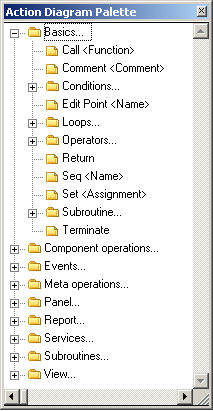
Use the Action Diagram Palette toolbar button to hide or show the Action Diagram Palette.

The Action Diagram Palette displays the instructions you use to create function logic. It is organized in folders containing statements that are grouped based on the types of actions they perform. You can enter new instructions by typing them in the input line or dragging them to the input line from the Action Diagram Palette.
| Copyright © 2012 CA. All rights reserved. | Tell Technical Publications how we can improve this information |