The WebCenter login page appears.
Notes:
- The access URL is defined when your product is installed. You can find the value on the primary menu of the mainframe region.
Note: For more information, see the Installation Guide.
- To access WebCenter easily and quickly in the future, create a bookmark for WebCenter web access URL in your web browser.
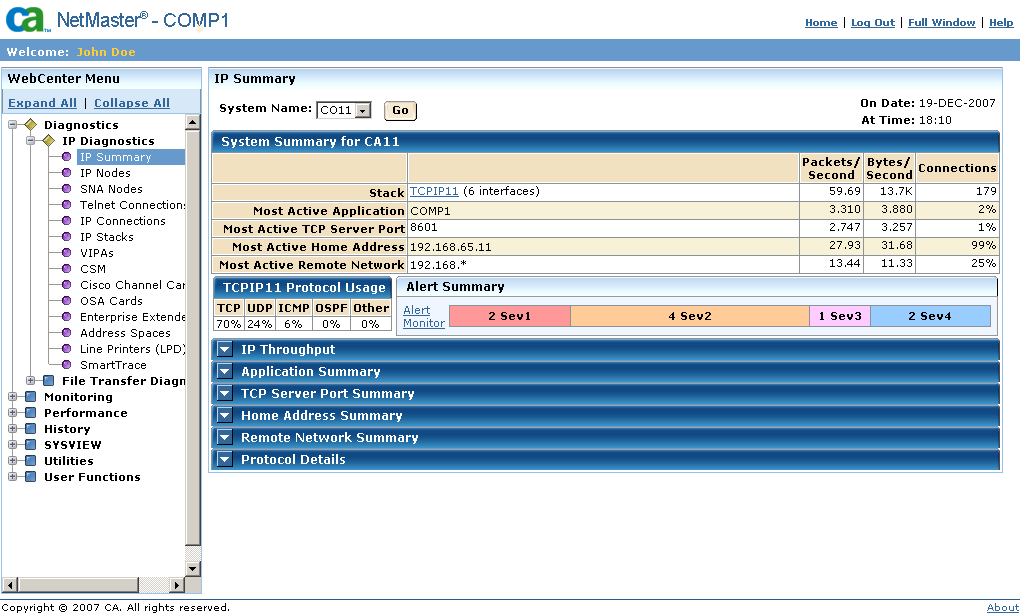
The initial WebCenter page appears, showing a menu on the left pane.
Note: If your Security Administrator has installed a digital certificate, a dialog appears. Click OK to accept the certificate and continue.