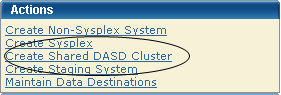
The New Shared DASD Cluster window appears.
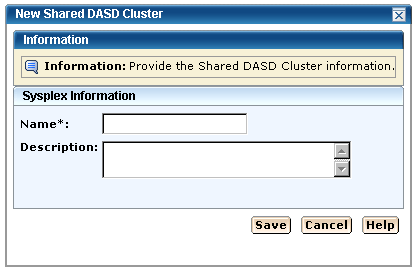
Note: The asterisk indicates that the field is mandatory.
Limits: Maximum 8 characters.
Note: Each Shared DASD Cluster name must be unique and it is not case-sensitive. For example DASD1 and dasd1 are the same Shared DASD Cluster name. A Staging System may have the same name as a Non-Sysplex, Sysplex, or Shared DASD Cluster.
Limits: Maximum 255 characters.
The New Shared DASD Cluster name appears as the last entry in the Systems Registry Cluster List on the right.
Note: Click Cancel to withdraw this create request.