

|
|
|
You can save all or part of the current Graphical Display window as a graphics file. When you choose Print... from the File menu in the Graphical Display window, the Print Dependency Display dialog box appears.
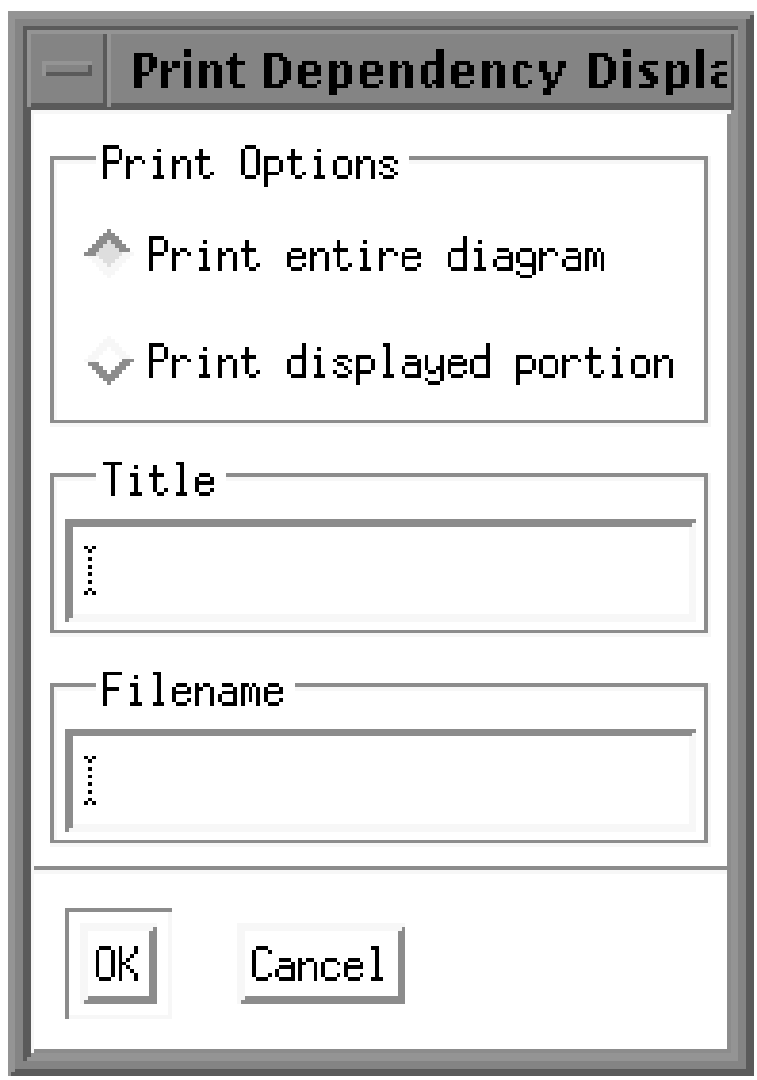
Click on one of the two option buttons to choose the entire diagram or the displayed portion only. Enter a title and a filename, and then click on OK. (The title will appear at the top of the printed file.)
The manager creates a .DDIF file and places this file in your top-level directory if you do not specify a directory. You can convert the .DDIF file into another format for printing, such as PostScript or sixel graphics, using the DCL command CONVERT:
$ CONVERT/DOCUMENT filename.DDIF/FORMAT=DDIF
_To: filename.type/FORMAT=type
Note: Job status symbols do not appear in the job boxes in the .DDIF file.
| Copyright © 2012 CA. All rights reserved. | Tell Technical Publications how we can improve this information |