Basic COBOL Batch Demo Session › Resume Program Execution
Resume Program Execution
You have found a bug in your program, and resolved it. You have added breakpoints and removed them. You have added and deleted bookmarks. Now you want to continue running your program.
To resume program execution
- Click the Step Once
 button on the toolbar
The program halts on statement 492, the next statement after ADD +1 TO TASKNUM. The Watch Data view now displays TASKNUM with a value of +1.
- Click the Resume Debugging
 button.
Because you set a conditional breakpoint on the statement OPTIONS, the program halts at the statement OPTIONS.
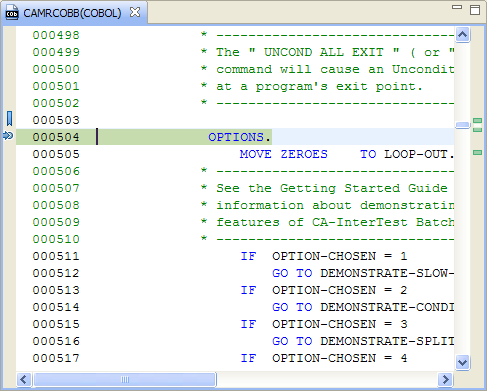
- Click the Resume Debugging button again.
The following dialog opens.
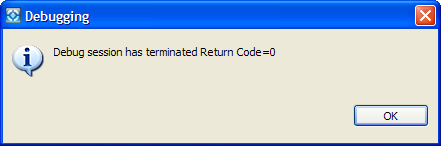
- Click OK to terminate the debugging session.