 . When the mouse hovers over a blue circle, the following details of a breakpoint are displayed:
Now that the value in TASKNUM has been properly initialized, the next step might be to continue testing by resuming program execution. However, this is a good opportunity to learn about another important CA InterTest feature: the ability to control program execution by setting breakpoints. A breakpoint is an intentional stopping or pausing place in a program, put in place for debugging purposes.
When you open or activate a program listing in the Program Listing area, the breakpoints added to that program appear as blue circles . When the mouse hovers over a blue circle, the following details of a breakpoint are displayed:
The following illustration displays the information when the mouse hovers over a blue circle:
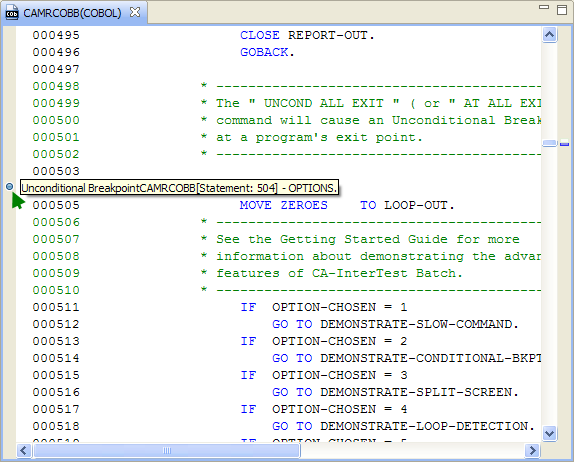
In this example, execution stops at the label OPTIONS.
| Copyright © 2009 CA. All rights reserved. | Email CA about this topic |