The tree expands and shows monitored and unmonitored folders.
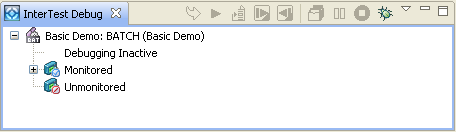
The tree expands and shows the programs that are monitored.
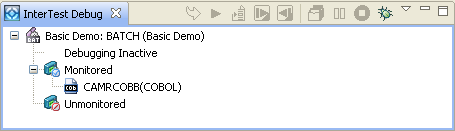
The InterTest Debug view lists the programs that are monitored. If you want to see whether a program is monitored, perform the following steps.
To view monitoring status
The tree expands and shows monitored and unmonitored folders.
The tree expands and shows the programs that are monitored.
| Copyright © 2009 CA. All rights reserved. | Email CA about this topic |