The project name is highlighted.
 on the CA InterTest main window toolbar.
The Import PROTSYM Files dialog opens.
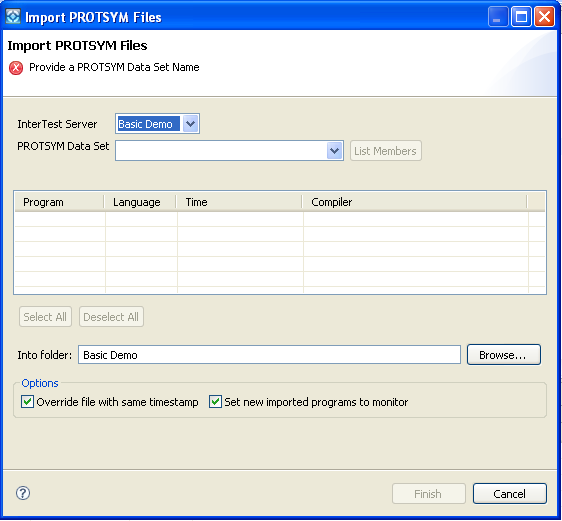
- InterTest Server
Defines the CA InterTest server. Select Basic Demo.
- PROTSYM Data Set
Defines the fully-qualified data set name of the CA InterTest PROTSYM VSAM file.
Type CAI.PROTSYM, or substitute CAI.PROTSYM with the DSN provided by your CA InterTest administrator.
If you receive an error about failure to retrieve a member list, check with your CA InterTest administrator.
Note: You may be prompted to log on to your mainframe TSO here, if you have not already done so through CA InterTest.
The table is filled with the programs in the data set you chose.
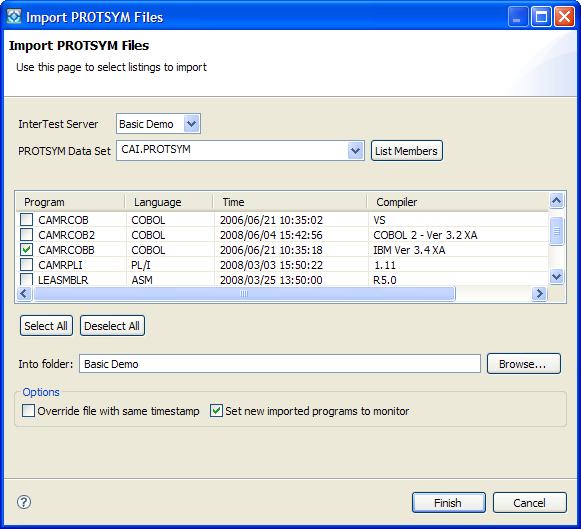
Note: The file list may not contain the name of the demo program indicated previously. This is because the CA InterTest administrator who installed CA InterTest changed the name of the sample programs available to you. Check with your CA InterTest administrator to find out the correct name.
The name Basic Demo appears in the Into folder box.
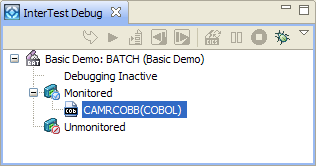
The demo program displays in the InterTest Debug view in the Monitored Programs folder.
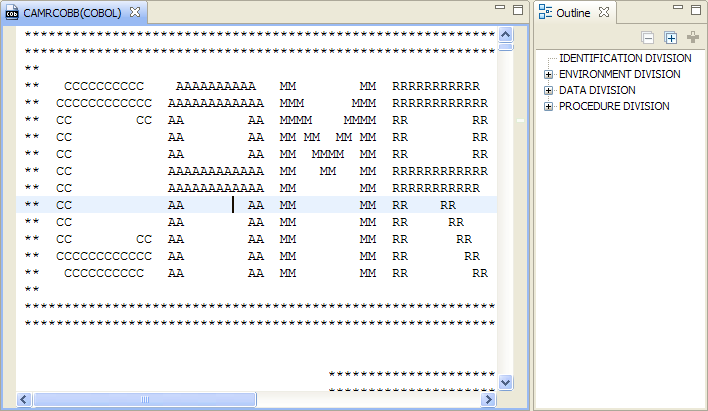
The program listing displays in the Program Listing area, with an outline of the program in the Outline view.