The CA InterTest main window opens.
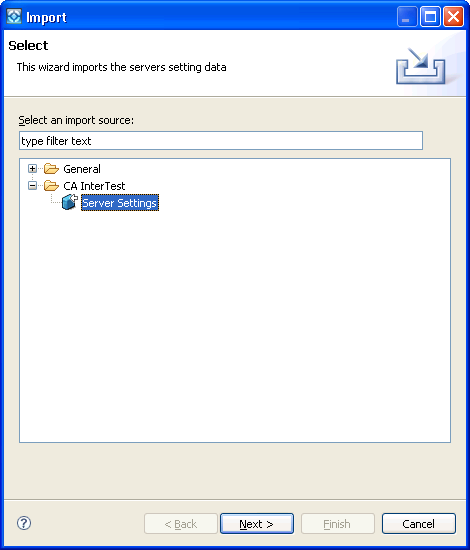
The Import dialog opens.
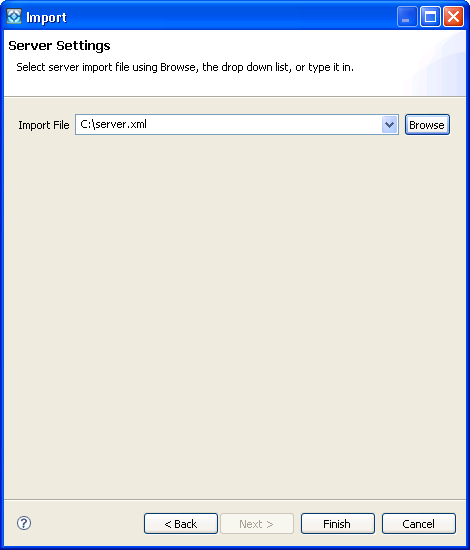
The Import Server Settings dialog opens.
You are now connected to a CA InterTest server.
Before you start a debugging session you must connect to a CA InterTest server. The GUI component runs on Windows and the debugging session runs on z/OS. This server provides the communication between the user interface and the mainframe platform.
If your CA InterTest was installed properly it should begin with a properly configured set of servers for your site. For more information, see the CA InterTest Batch Installation Guide.
To import CA InterTest server settings
The CA InterTest main window opens.
The Import dialog opens.
The Import Server Settings dialog opens.
You are now connected to a CA InterTest server.
| Copyright © 2009 CA. All rights reserved. | Email CA about this topic |