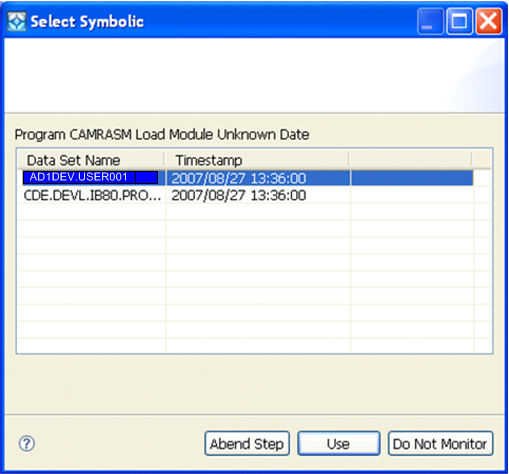
Before you begin testing you should be aware that when CA InterTest searches the symbolic files for the programs that you specify for testing, it tries to match the date and time in the symbolic file to that of the load module. If a match cannot be found, a dialog opens, as shown in the following example.
Select the version you want the mainframe debugger to use and click Use or Abend Step, or, if you do not want to monitor the file after all, select Do Not Monitor. Based on your decision, the local version will be updated to match your choice.
This CA InterTest feature lets you maintain synchronized processing at all times by letting you select the correct symbolic version of the program that you want to test.
Note: For a complete description of this feature, see the CA InterTest Batch User Guide.
| Copyright © 2009 CA. All rights reserved. | Email CA about this topic |