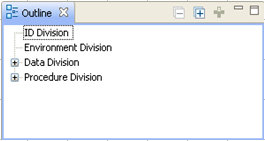
The Outline view displays an outline of the program that is currently active in the Program Listing area and lists the structural elements. This makes it easier to display any section of your COBOL program. The contents of the Outline view are specific to the active program listing. The Outline view contains a top level node for each action. For example, a COBOL program listing shows the four divisions of the COBOL program in the Outline view when you first open or activate the listing:
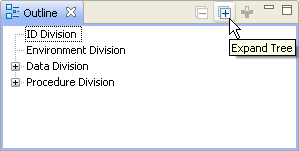
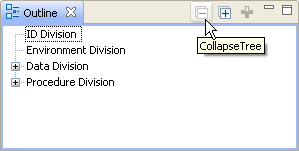
We recommend that you expand and collapse the programs in the Outline view to see how clicking a variable or label on the Outline view brings you immediately to that location in the program listing.
| Copyright © 2009 CA. All rights reserved. | Email CA about this topic |