

|
|
|
You use the following Out of Office Assistant screen to add and remove delegate for yourself:

The Out of Office Assistant screen displays a list of your current delegates. In addition to columns that identify the delegate, three additional columns are included in the list:
Displays the date the delegation was created.
Displays the date the delegation is to end.
Indicates whether the delegate has delegated work items to another user.
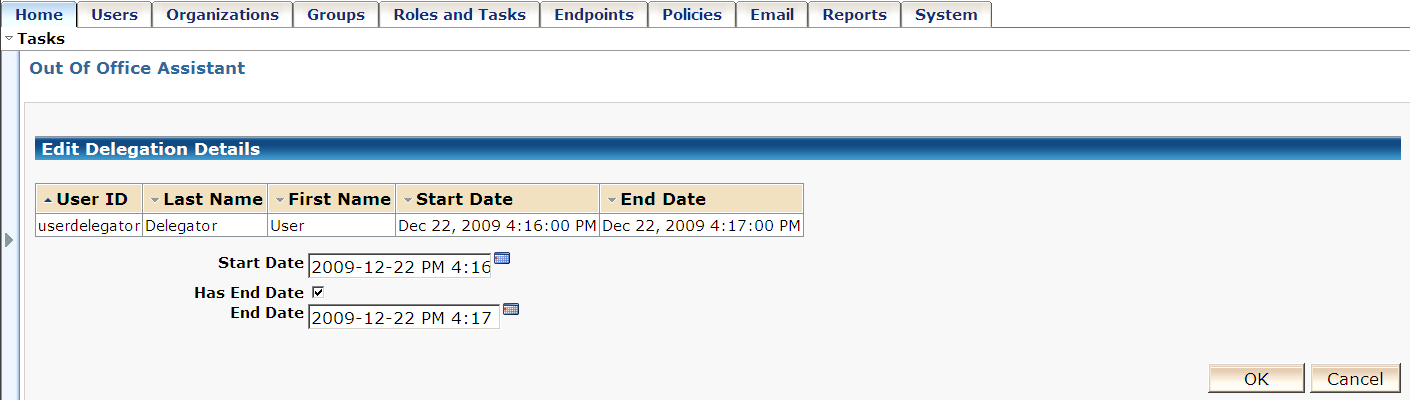
When you click the pencil icon next to the selected User ID, the Edit Delegation Details screen appears where you can change the Start Date and specify the End Date for the delegation.
| Copyright © 2010 CA. All rights reserved. | Email CA about this topic |